Purse Money
A multi-currency wallet for sending, receiving and spending money across borders.
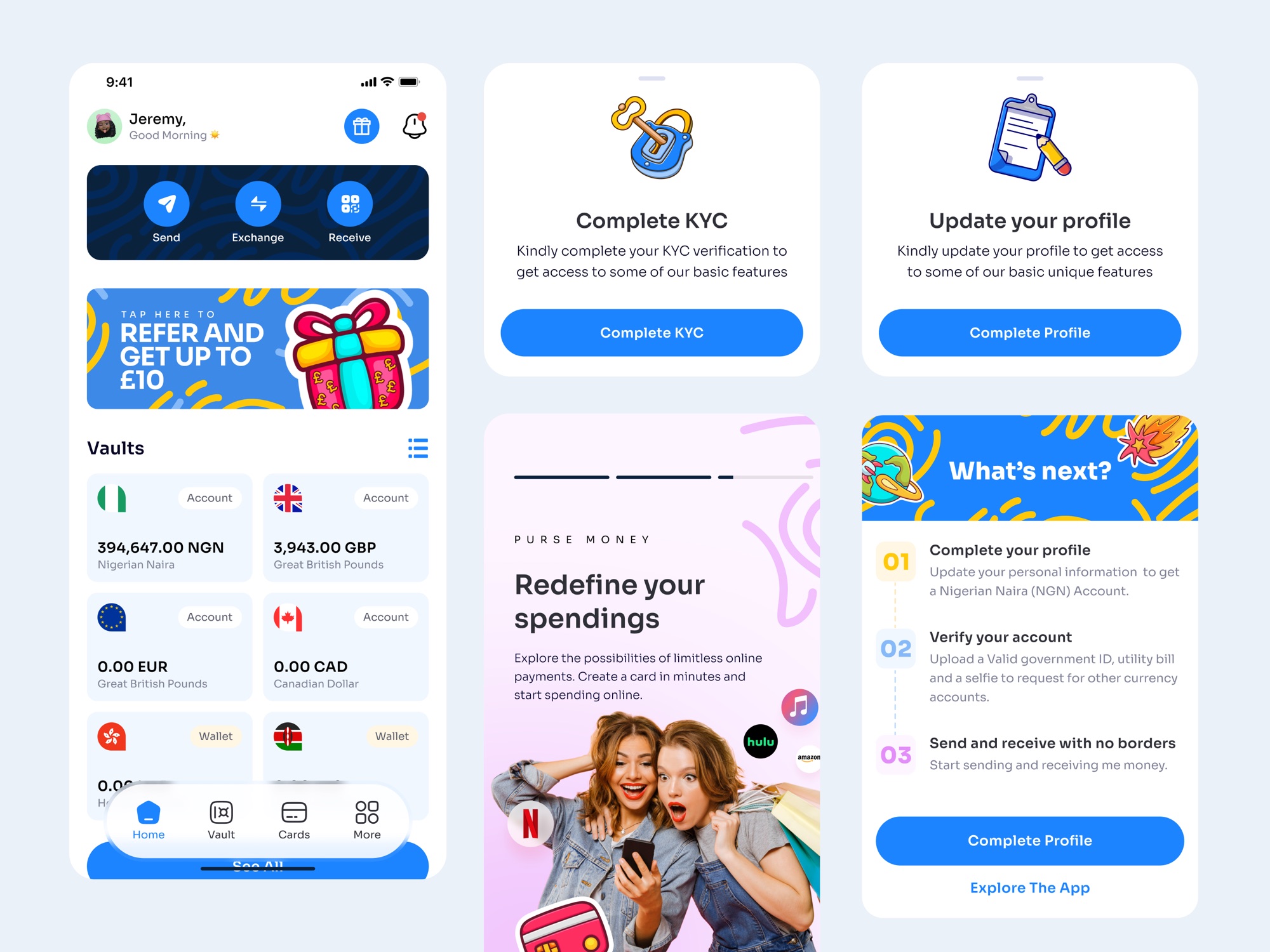
Purse lets people hold money in several currencies, get local account details in other countries, send money to a bank or another Purse user, and spend online with a USD card. I joined as the founding designer and shaped the mobile app from scratch: the first journeys, the interface and the components the team built on. I also mentored designers as the team grew.
The problem
People who earn, save or send money across borders often juggle several apps and bank accounts, one for each currency. Receiving money from abroad, converting it and spending it online usually means extra fees, slow transfers and little clarity about what anything costs. Purse set out to put all of that in one app.
Discovery
As the first designer, I started by mapping how people already moved money between countries, and where they got stuck. I reviewed the apps people were using for remittances and multi-currency accounts, and worked closely with the founders and the compliance team to understand what each currency and each verification level allowed.
What we learned
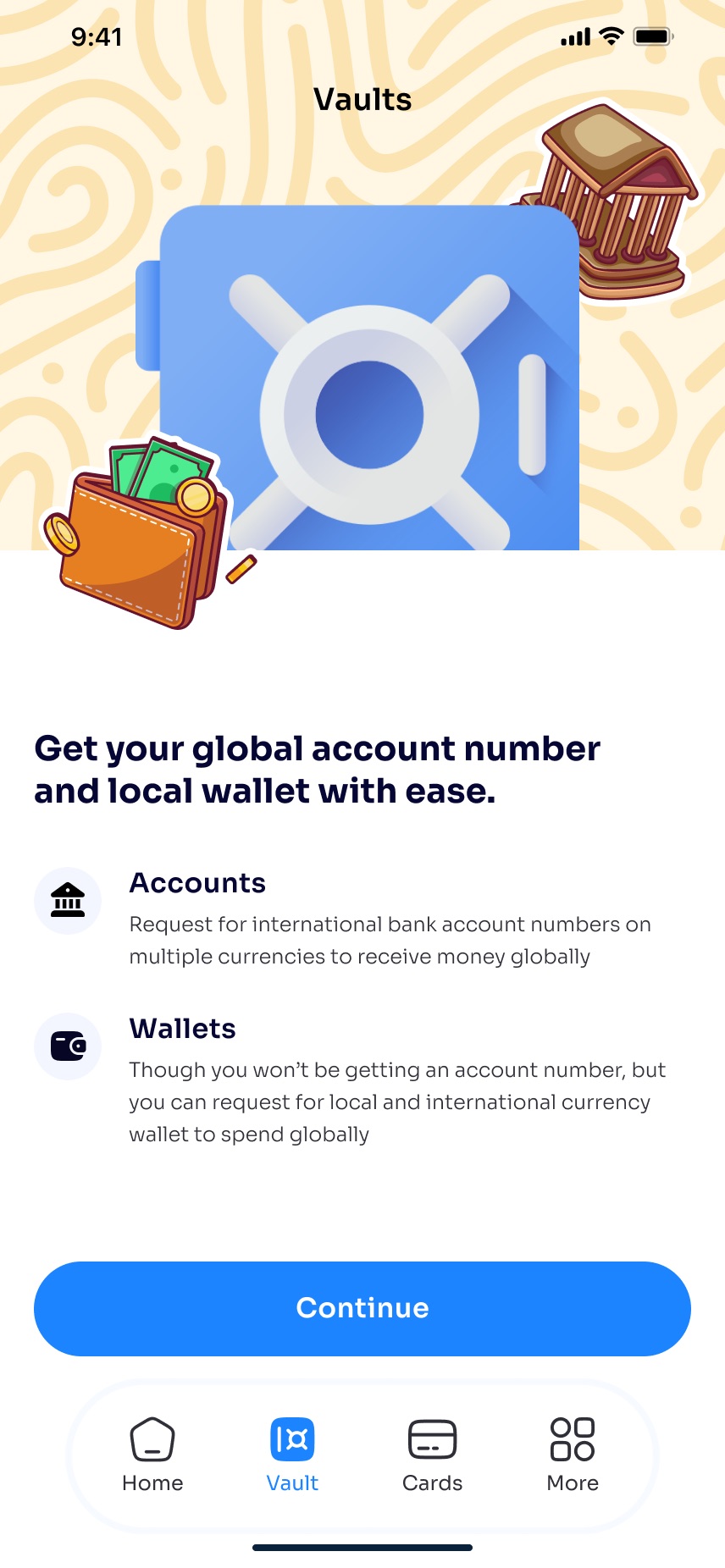
Some currencies came with real account numbers, others only held money for spending. People needed this explained once, at the right moment.
Local accounts depend on KYC, so the path from sign-up to a verified account had to feel short and clear.
People wanted to see exactly who they were paying, from which account and what it would cost before they confirmed.
New currencies and payment methods were coming, so the vault and send flows had to work for any currency.
Data and measurement
We used Microsoft Clarity's session recordings and heatmaps to see where people hesitated during sign-up and verification, and which screens they returned to. Metabase showed the bigger picture: how many people signed up, how many finished verification, and how many went on to request an account and make their first transfer.
- Sign-up to verified: how many new users completed KYC.
- Verified to first account: how many requested a currency account.
- First transfer: how many sent money within their first week.
- Card adoption: how many verified users created a USD card.
Key decisions
Explain accounts and wallets inside the vault
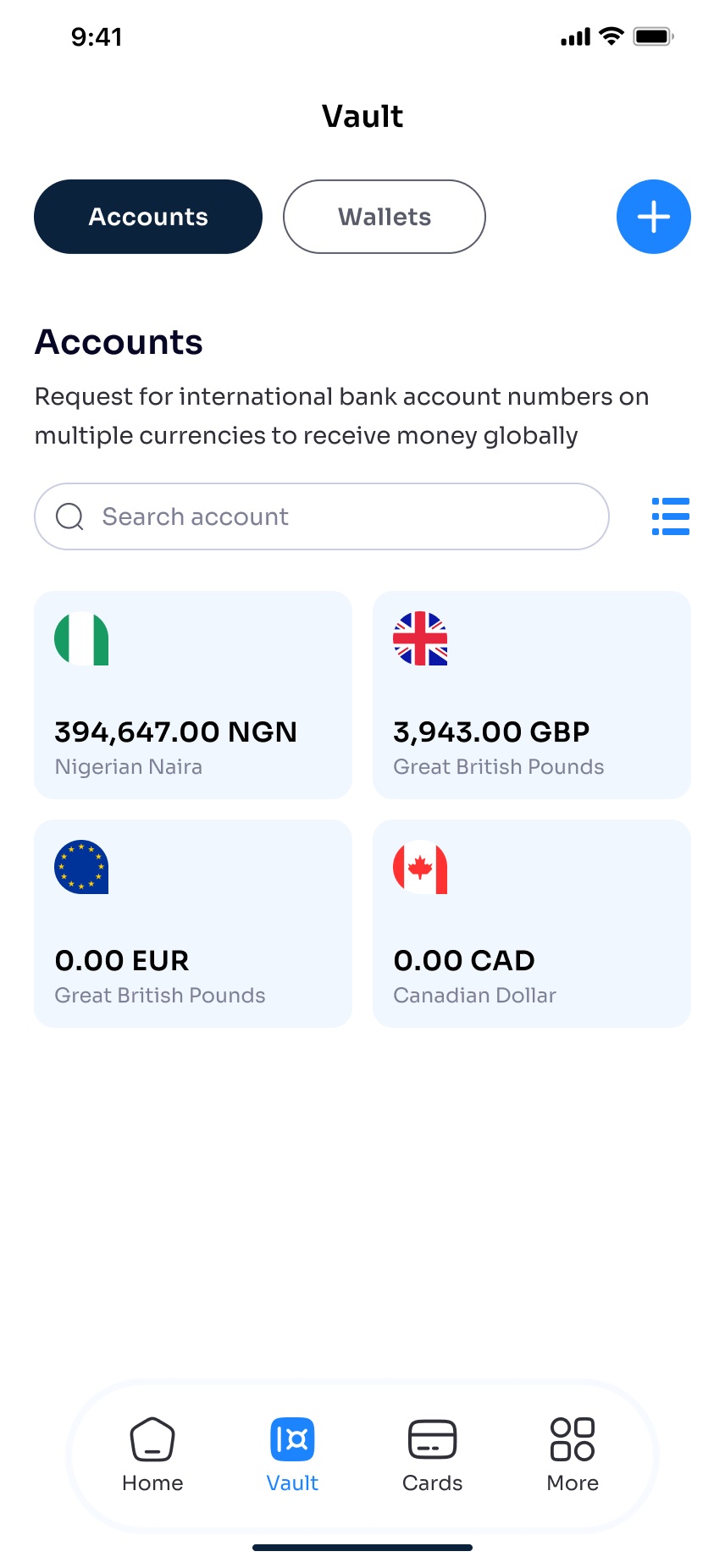
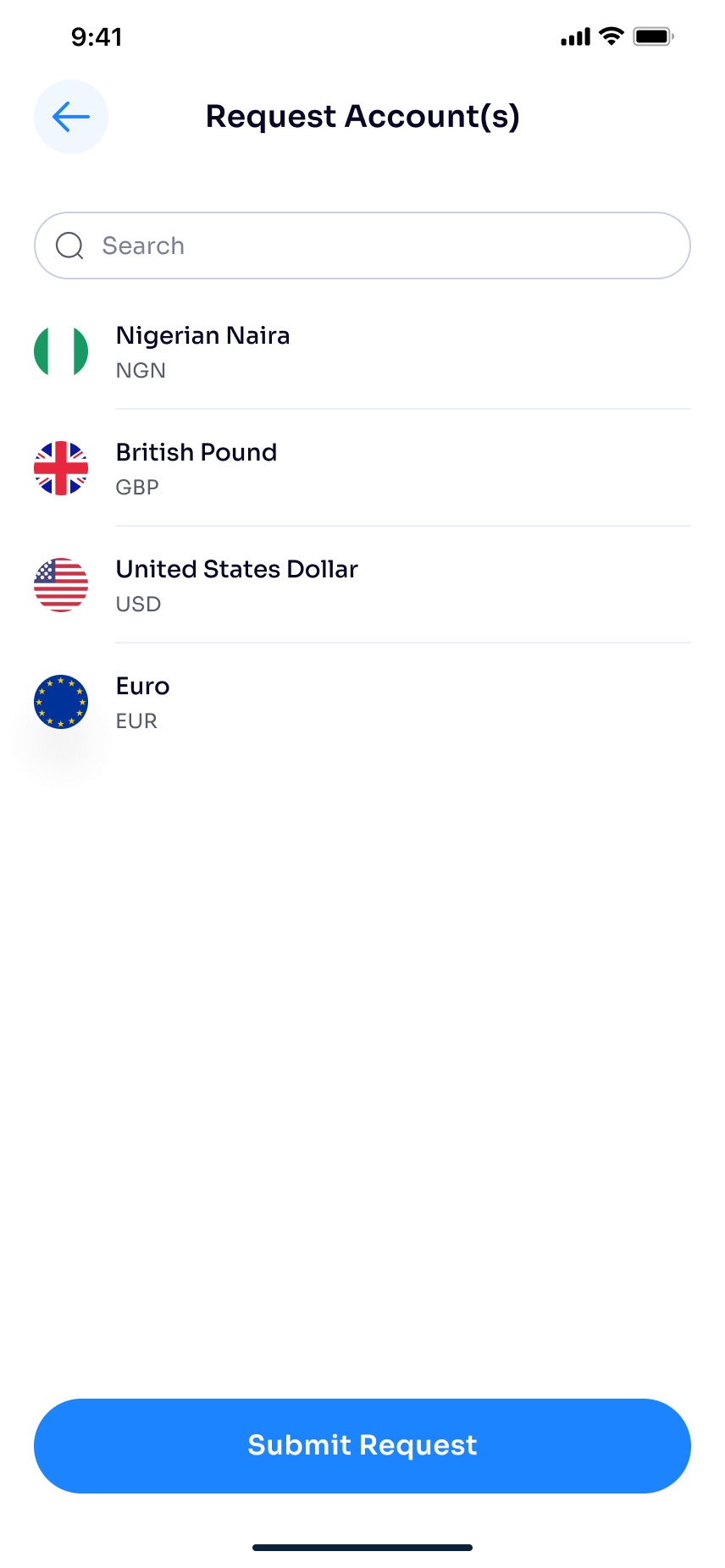
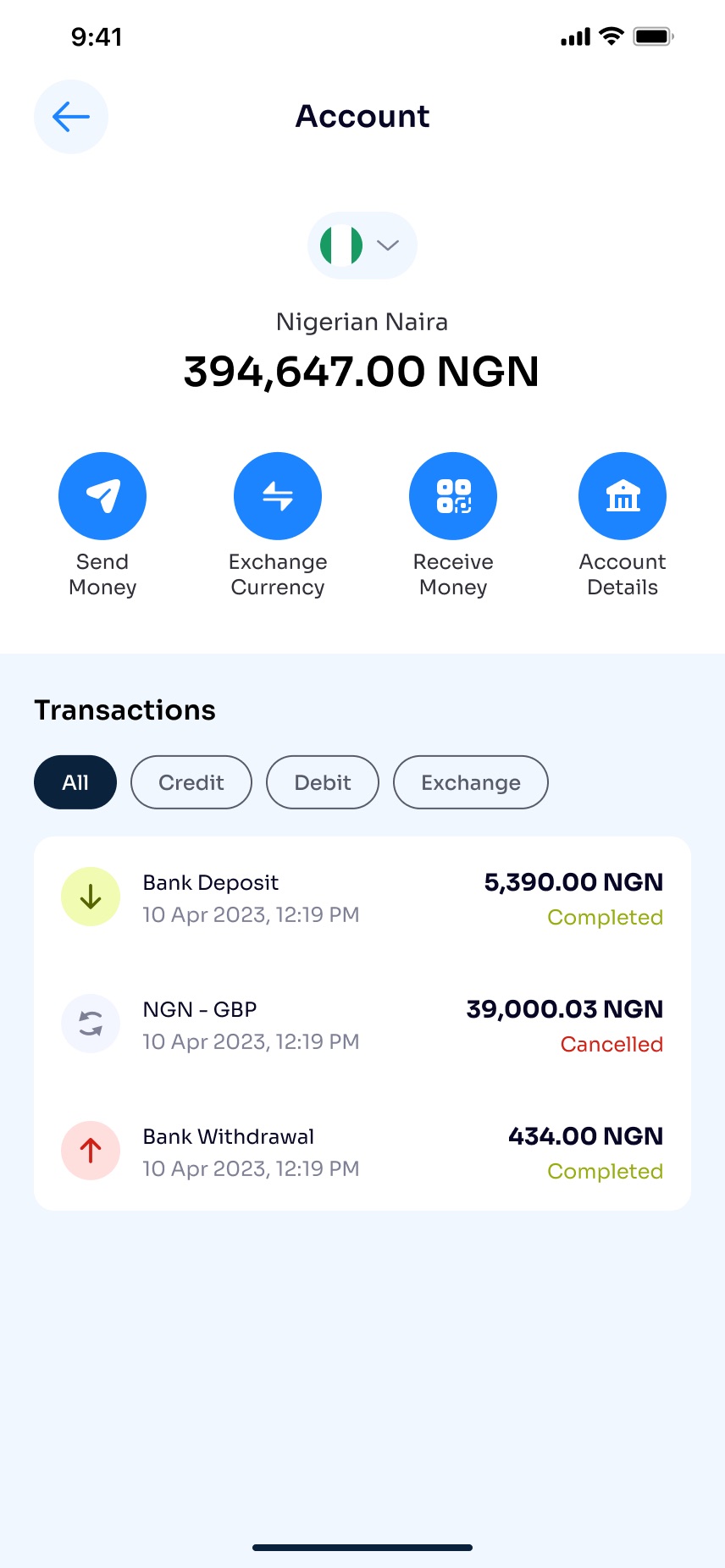
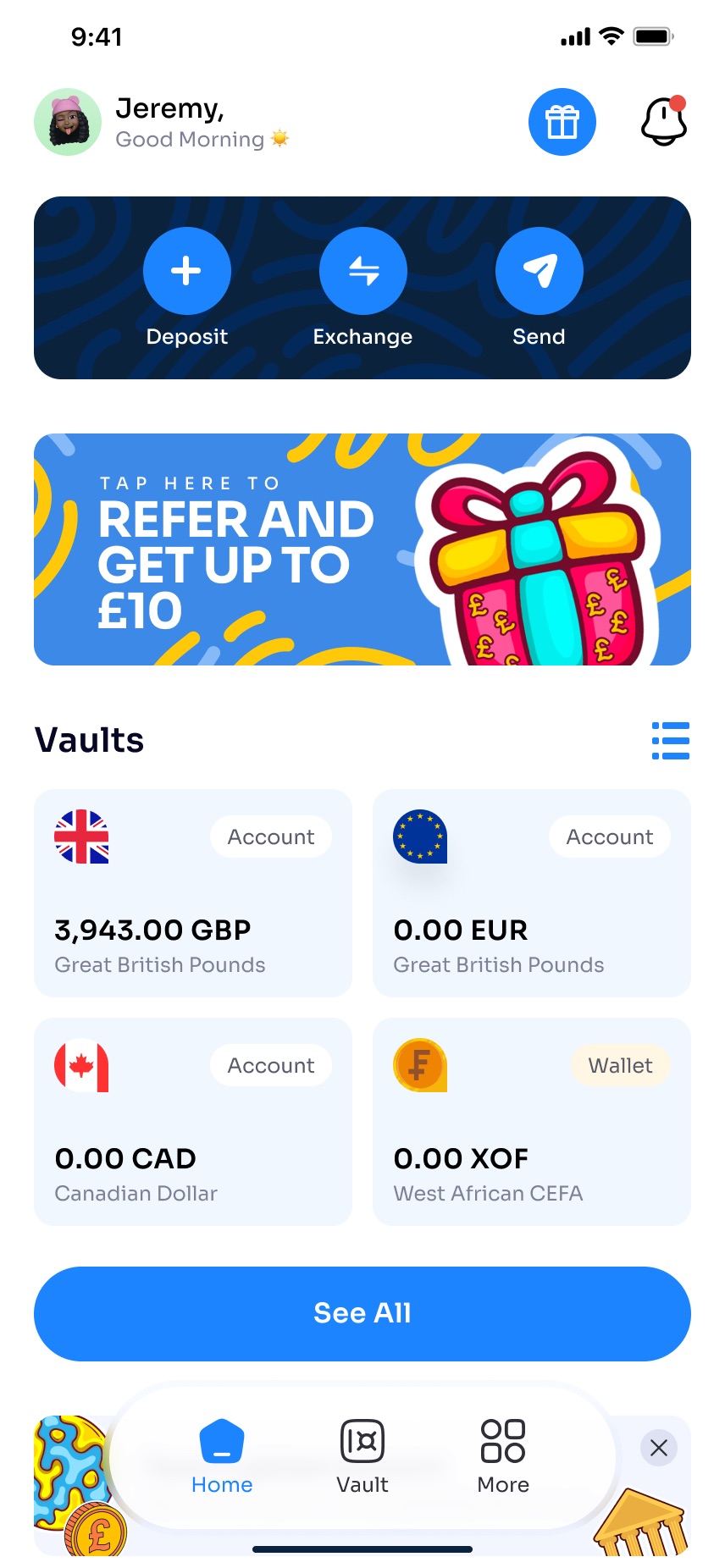
Instead of a help article, the vault introduces both ideas the first time someone opens it: accounts give you account numbers to receive money, wallets hold money to spend. Requesting a new currency is one tap from the same screen.
A short, guided path to a verified account
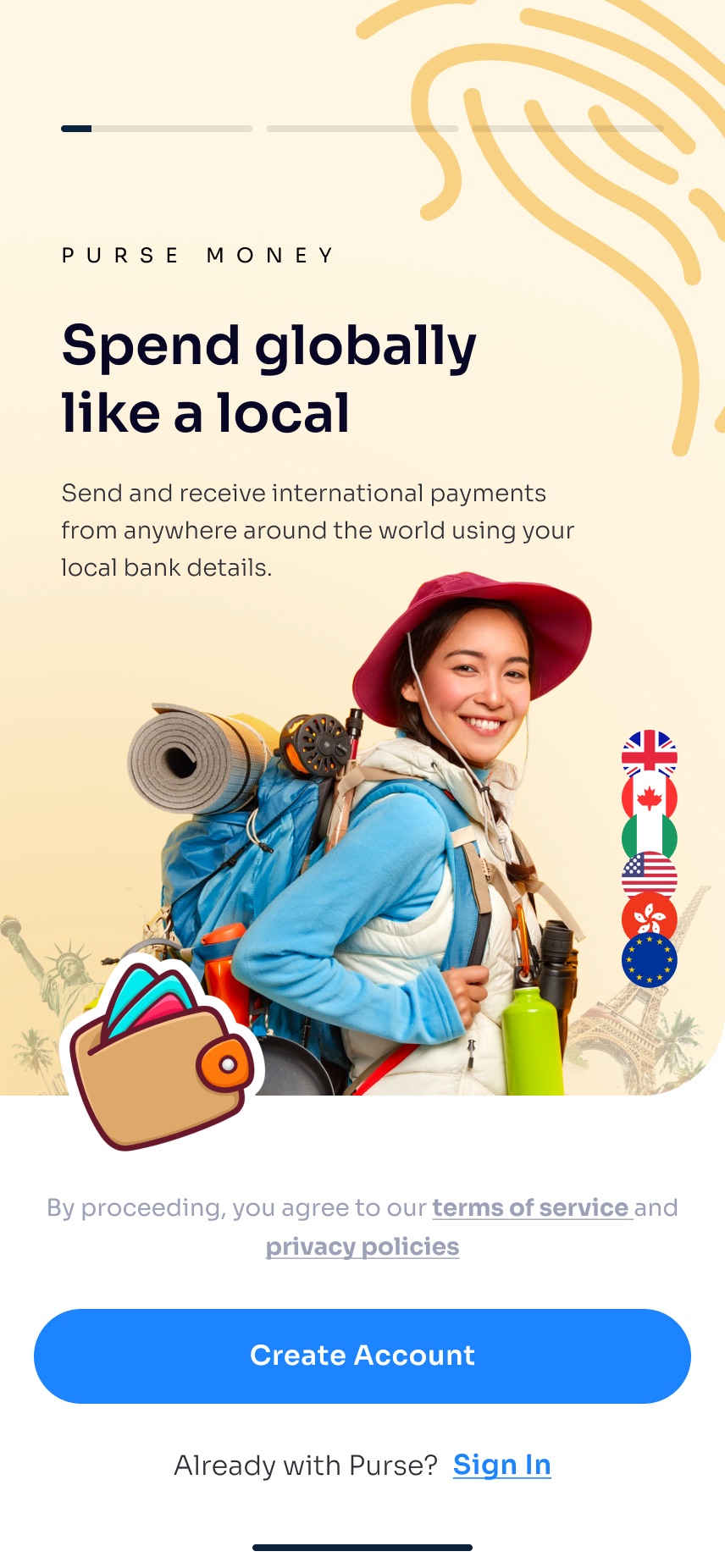
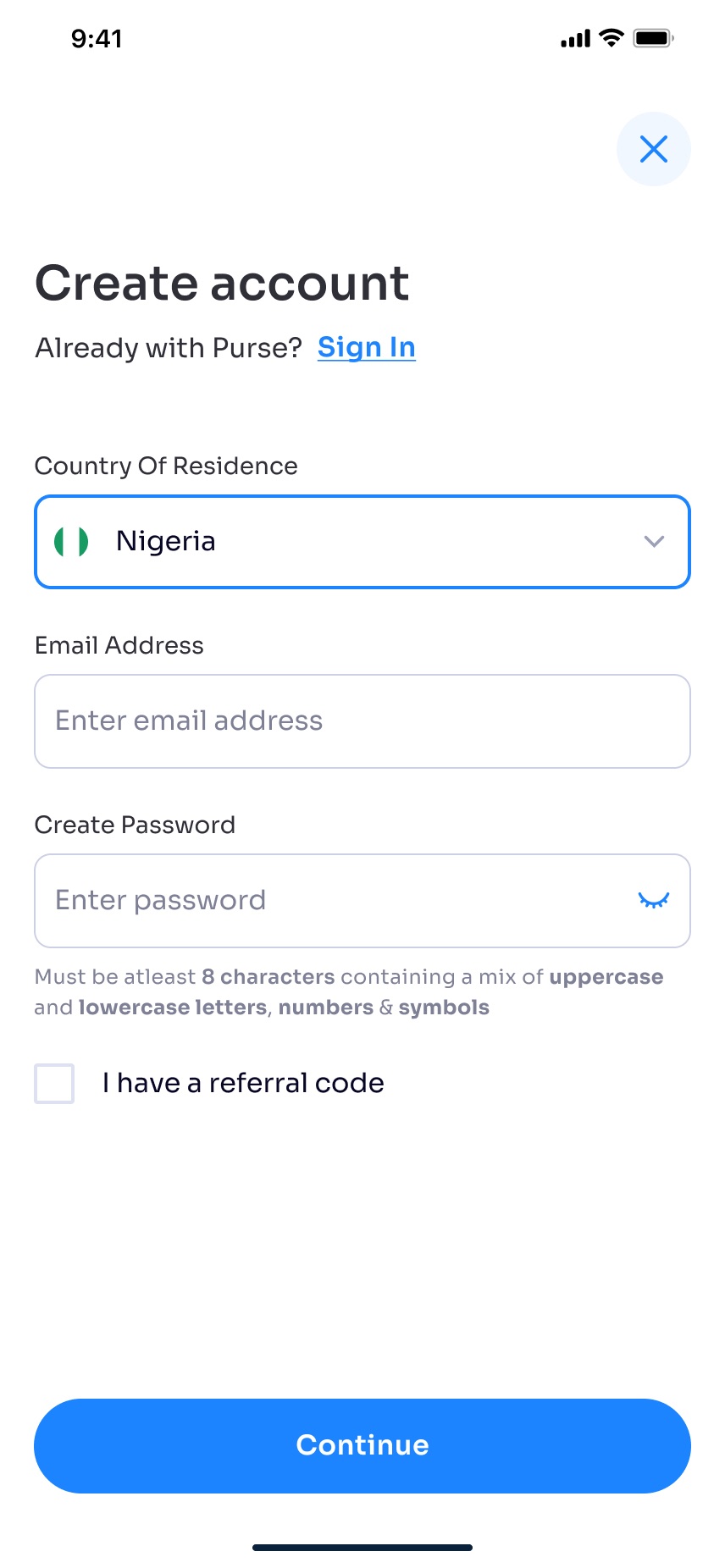
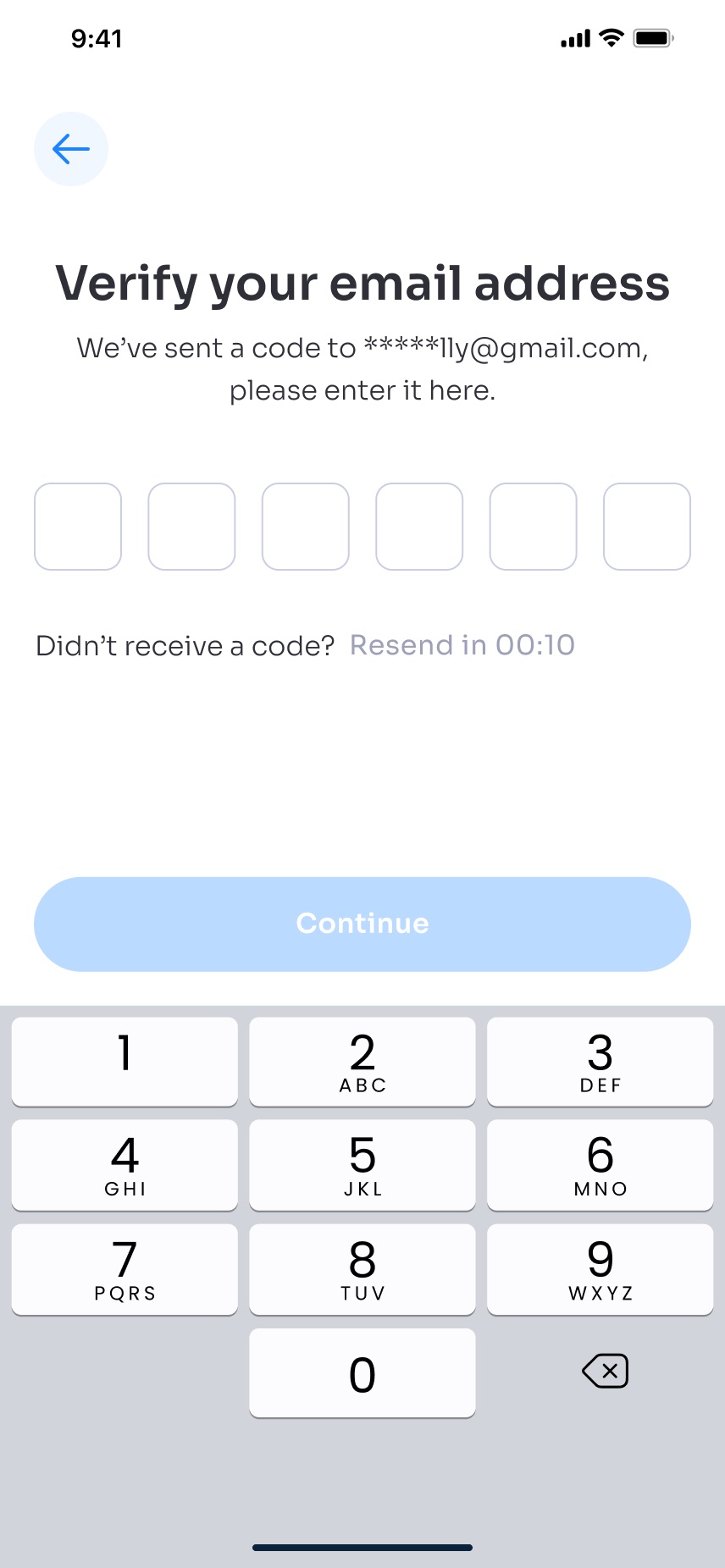
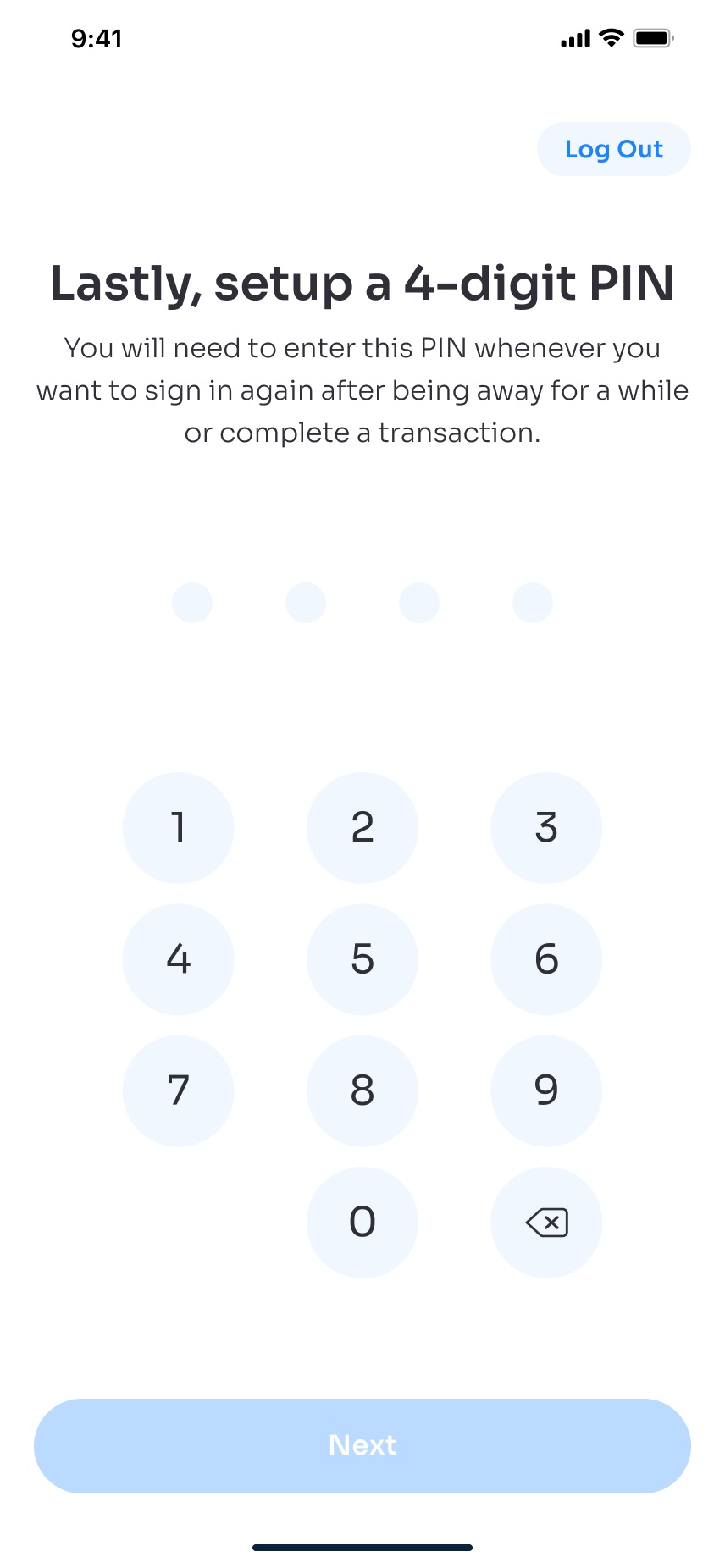
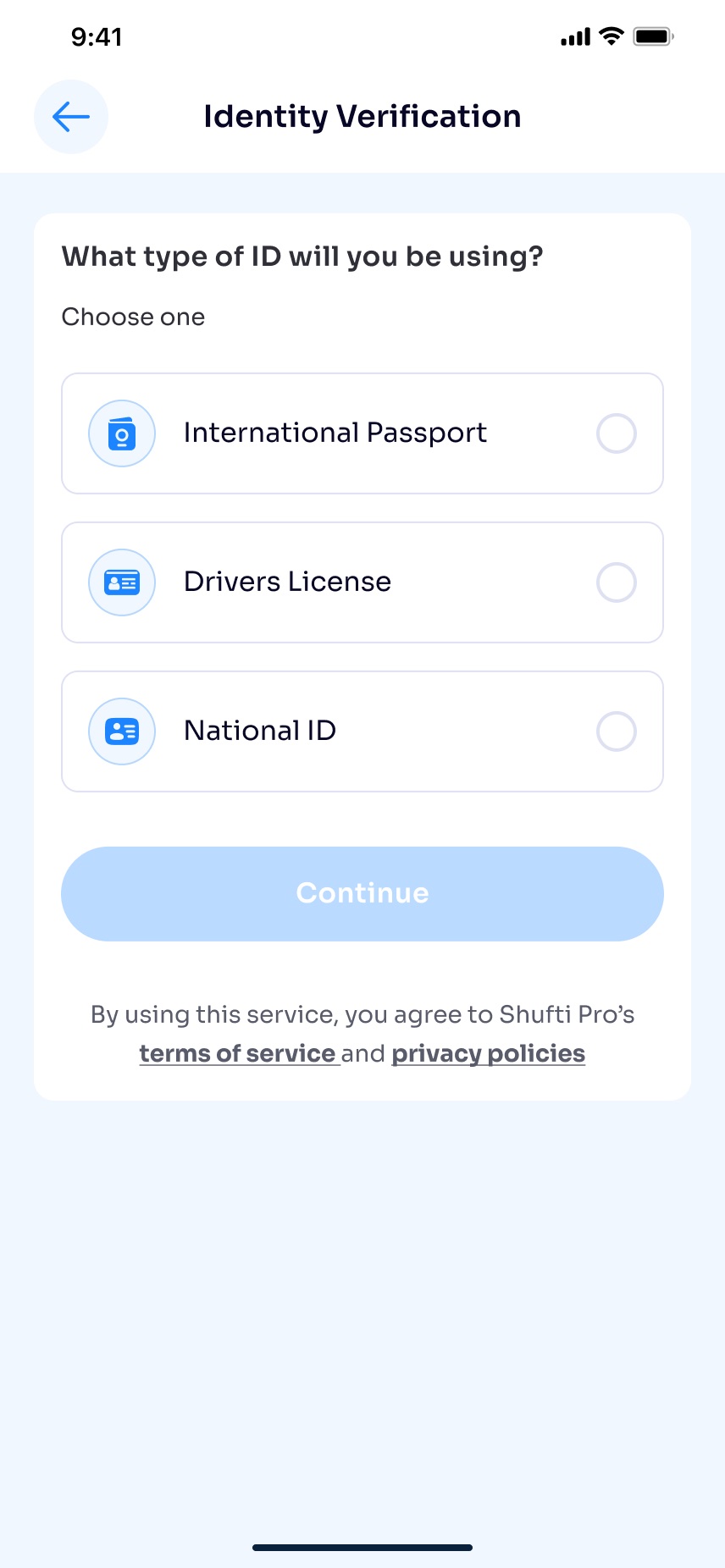
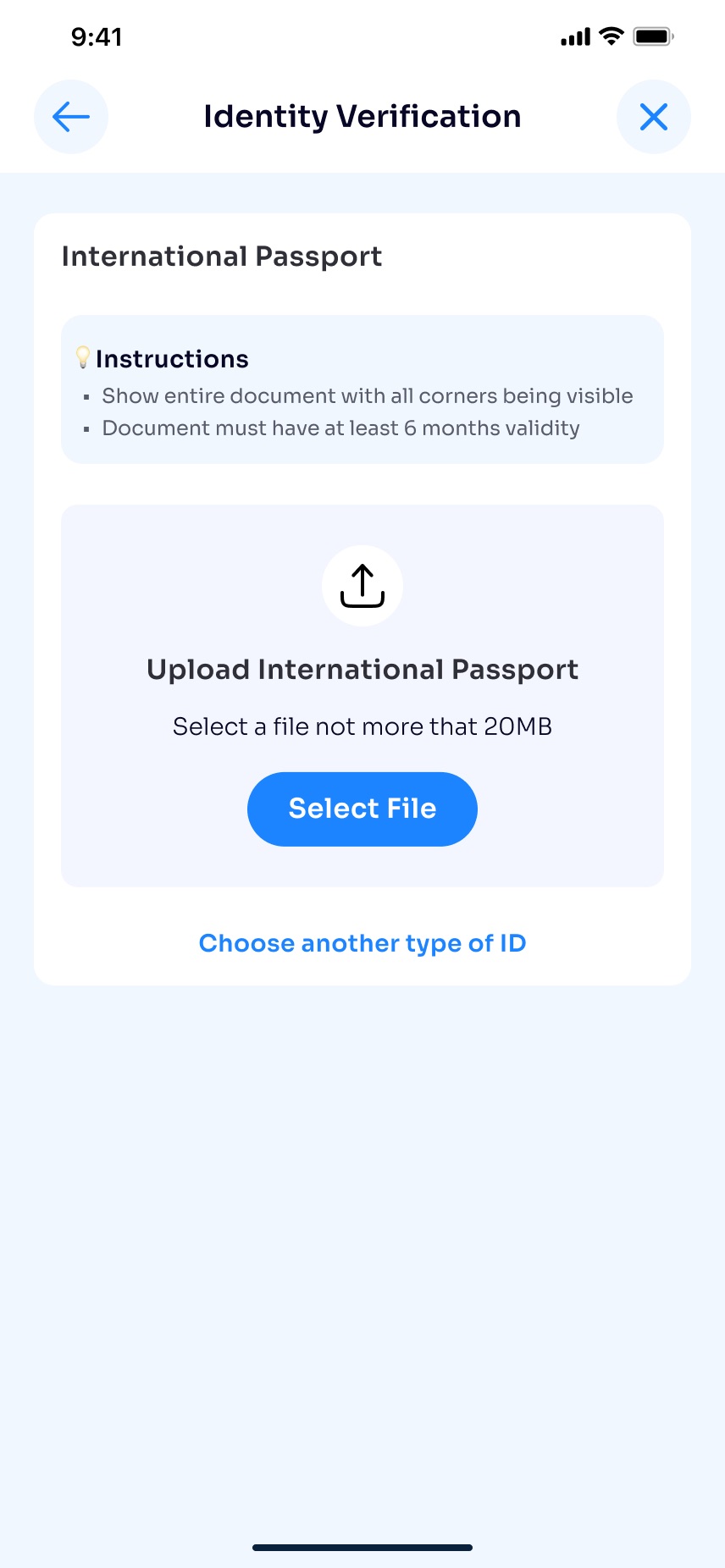
Sign-up only asks for what's needed to start: country, email, password, a code and a PIN. Verification comes after, guided by a three-step “What's next?” card, so people can explore before they commit.
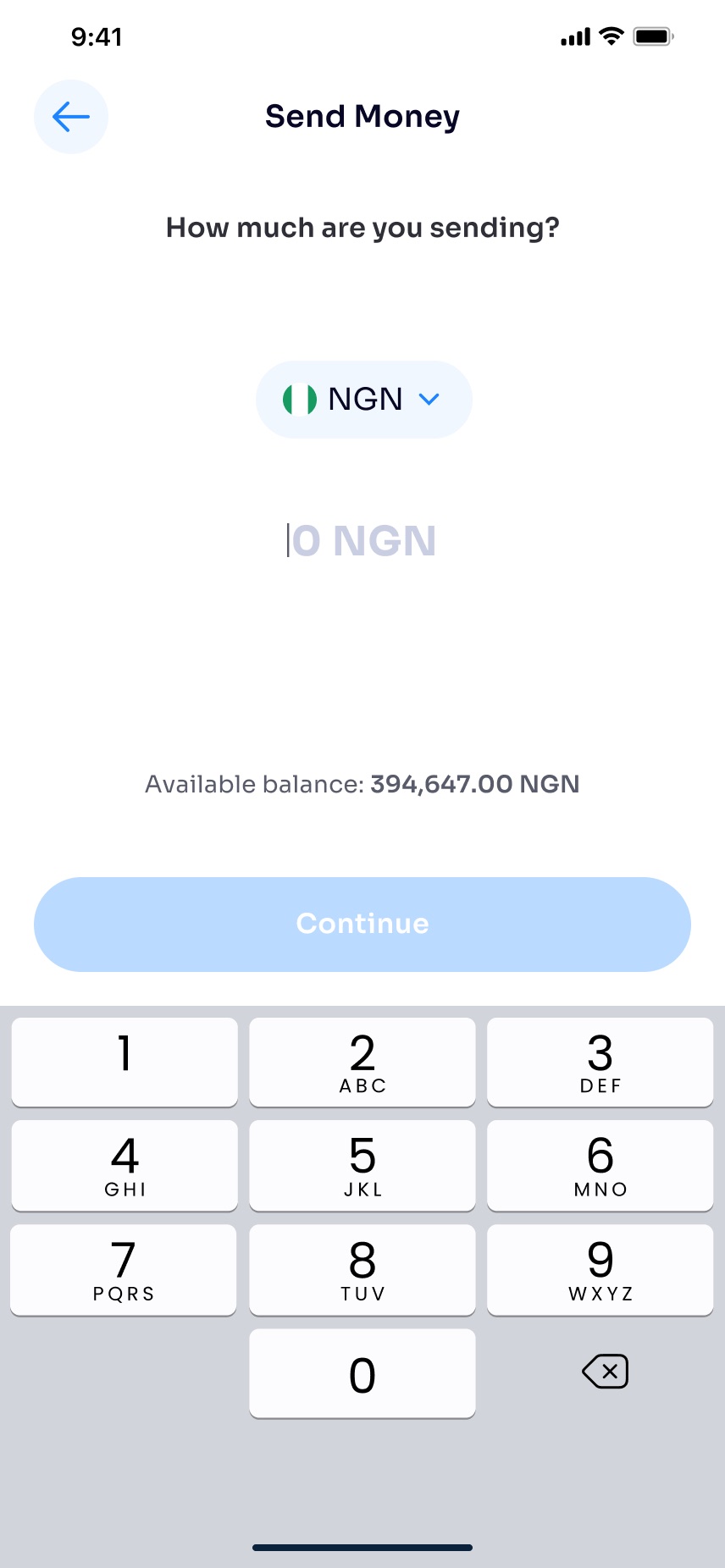
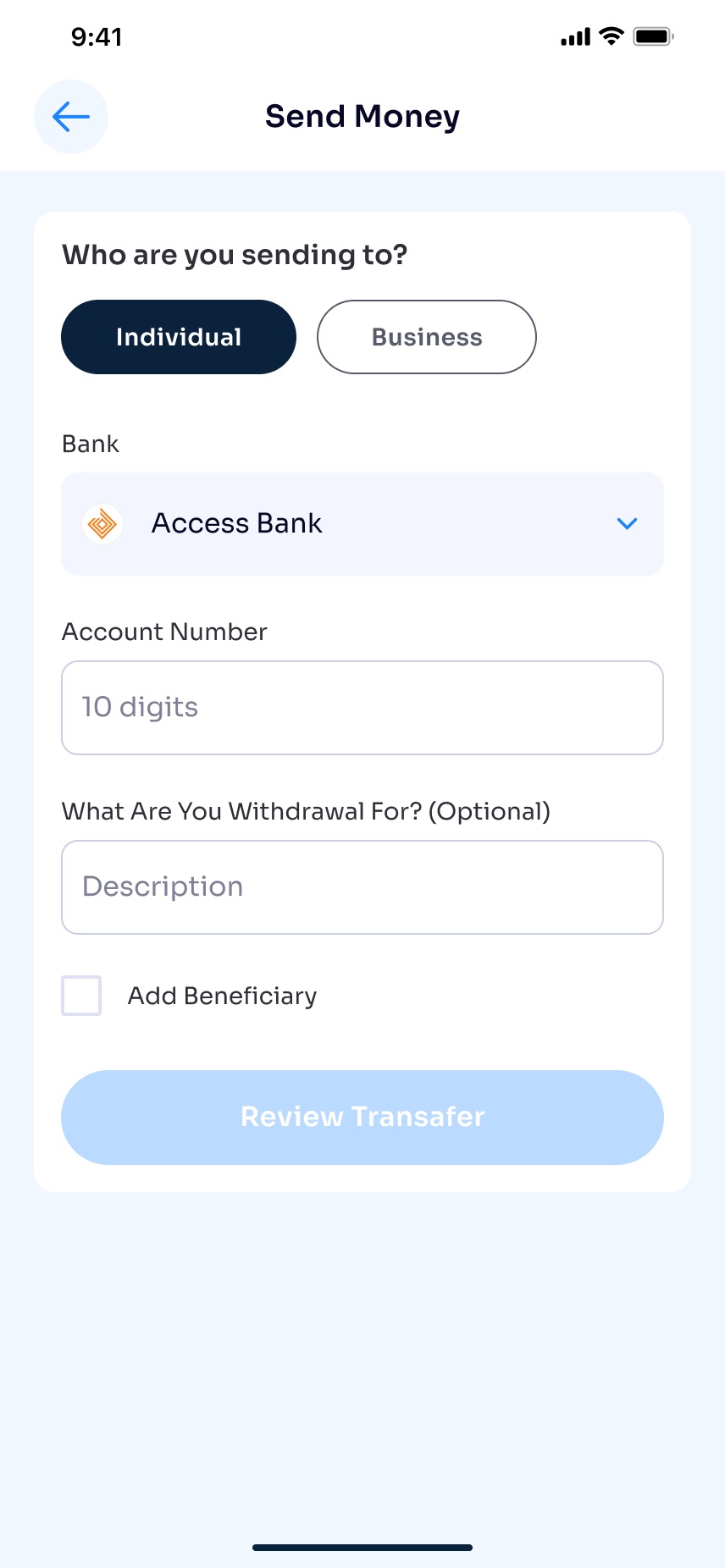
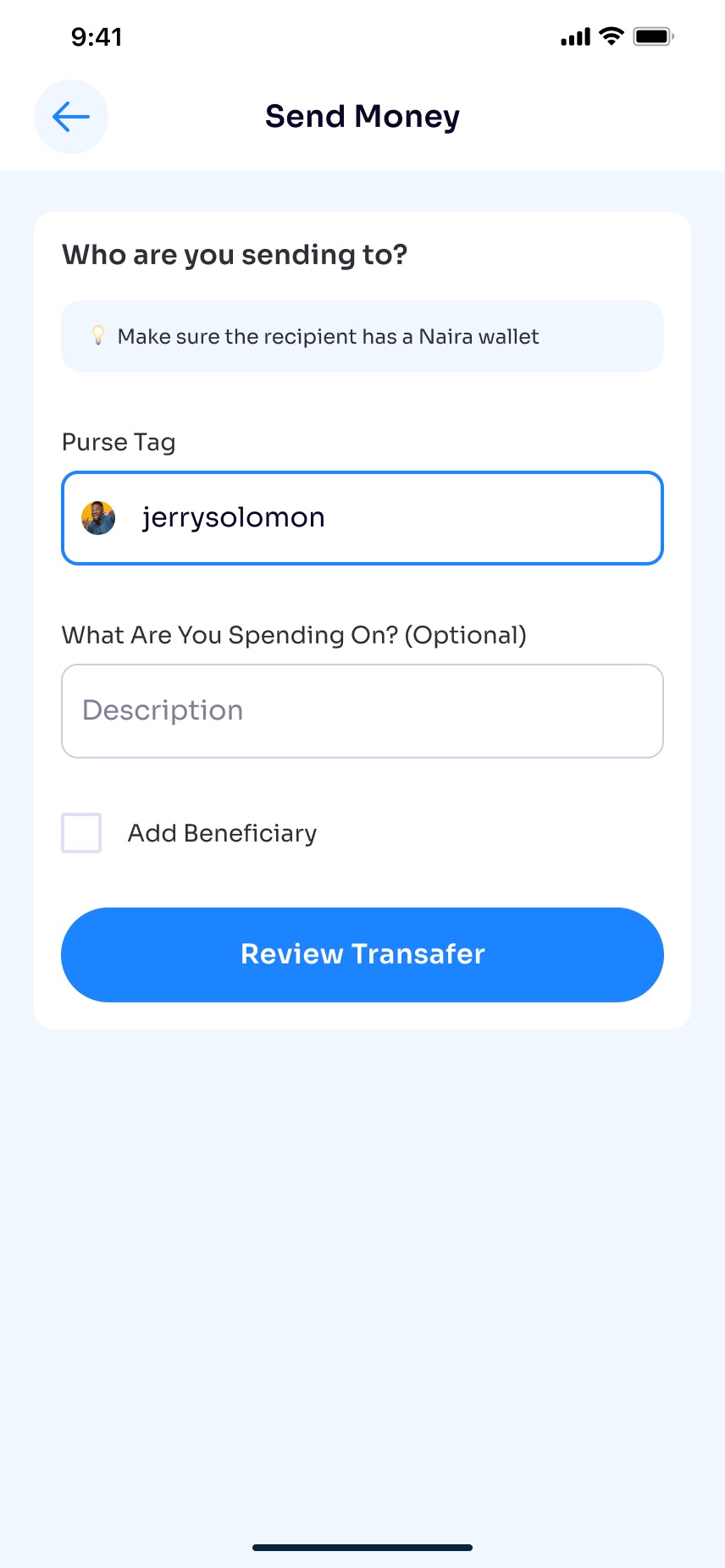
Amount first, then recipient, then review
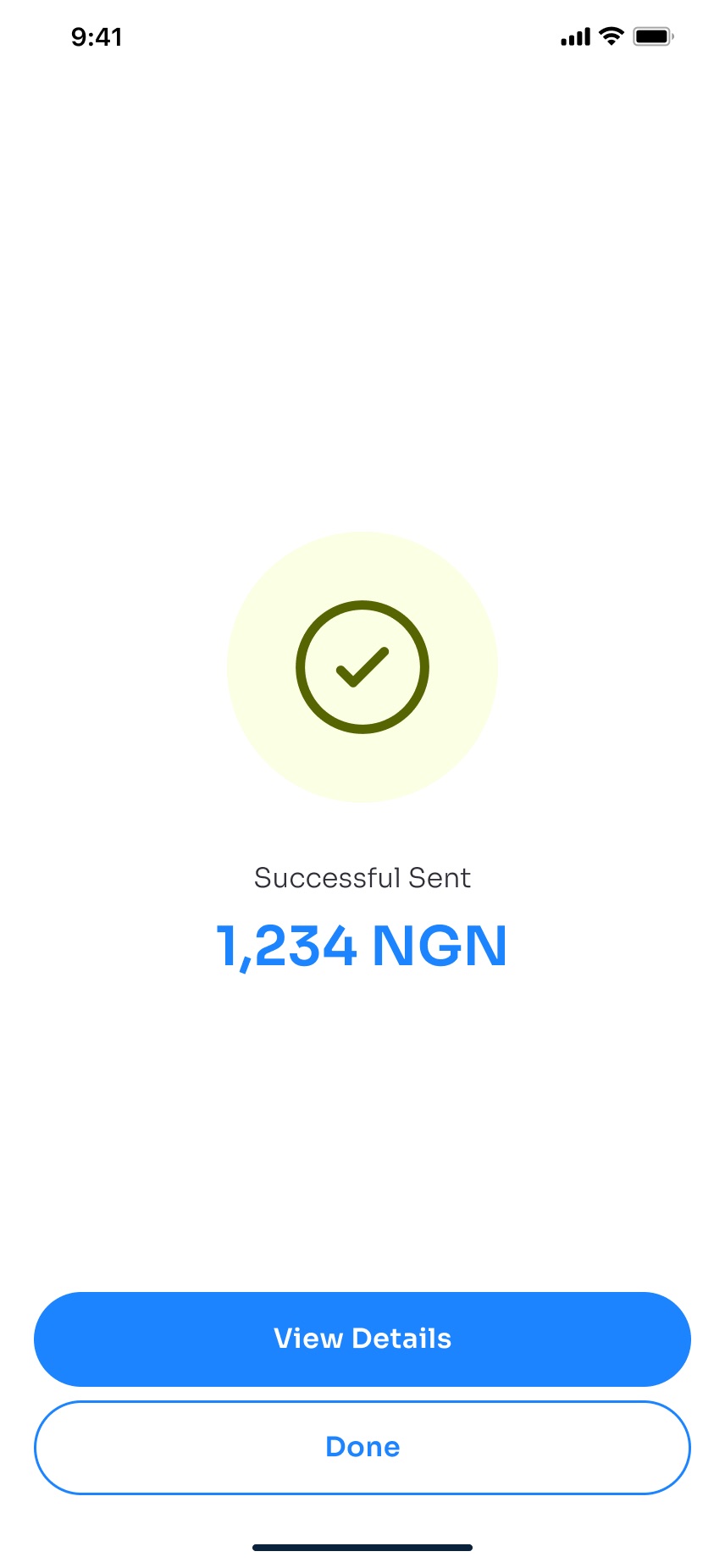
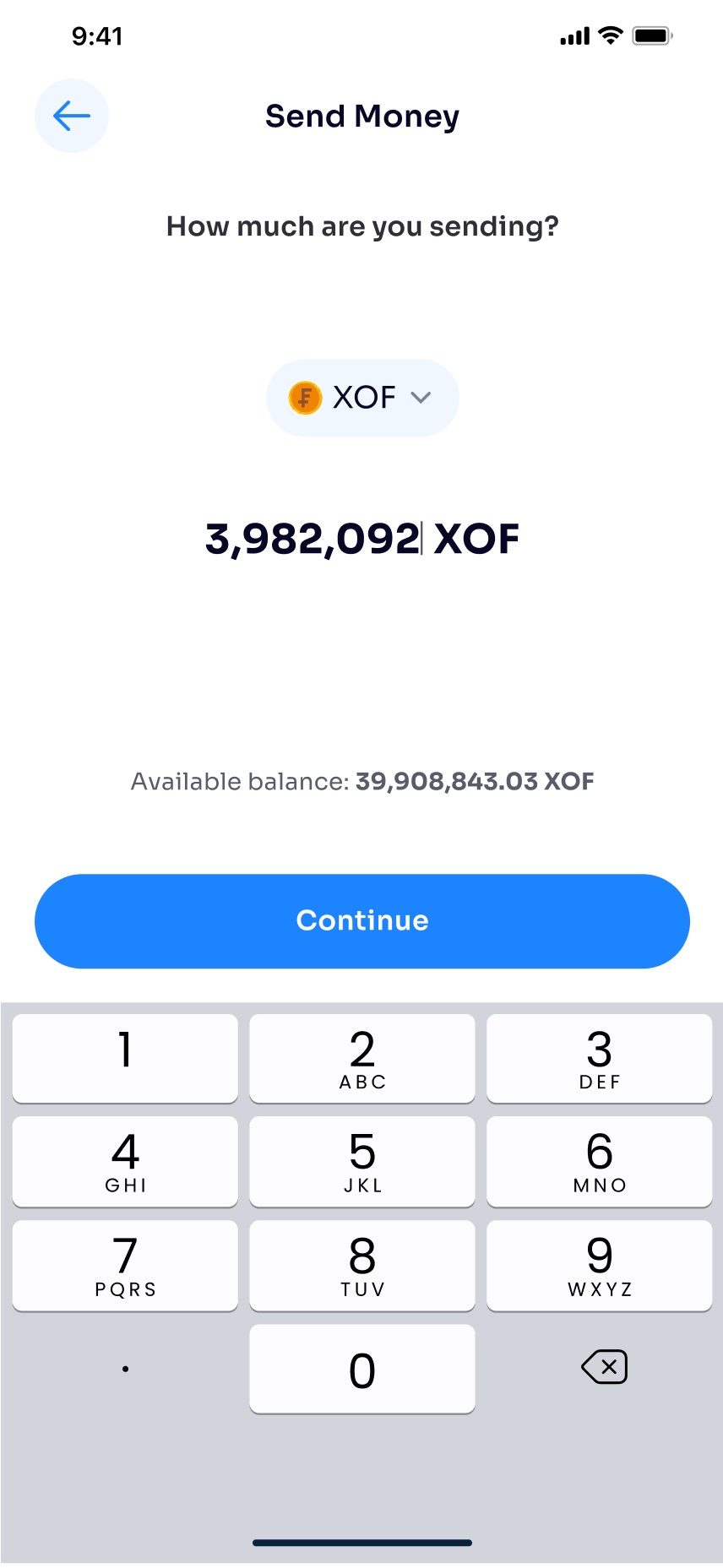
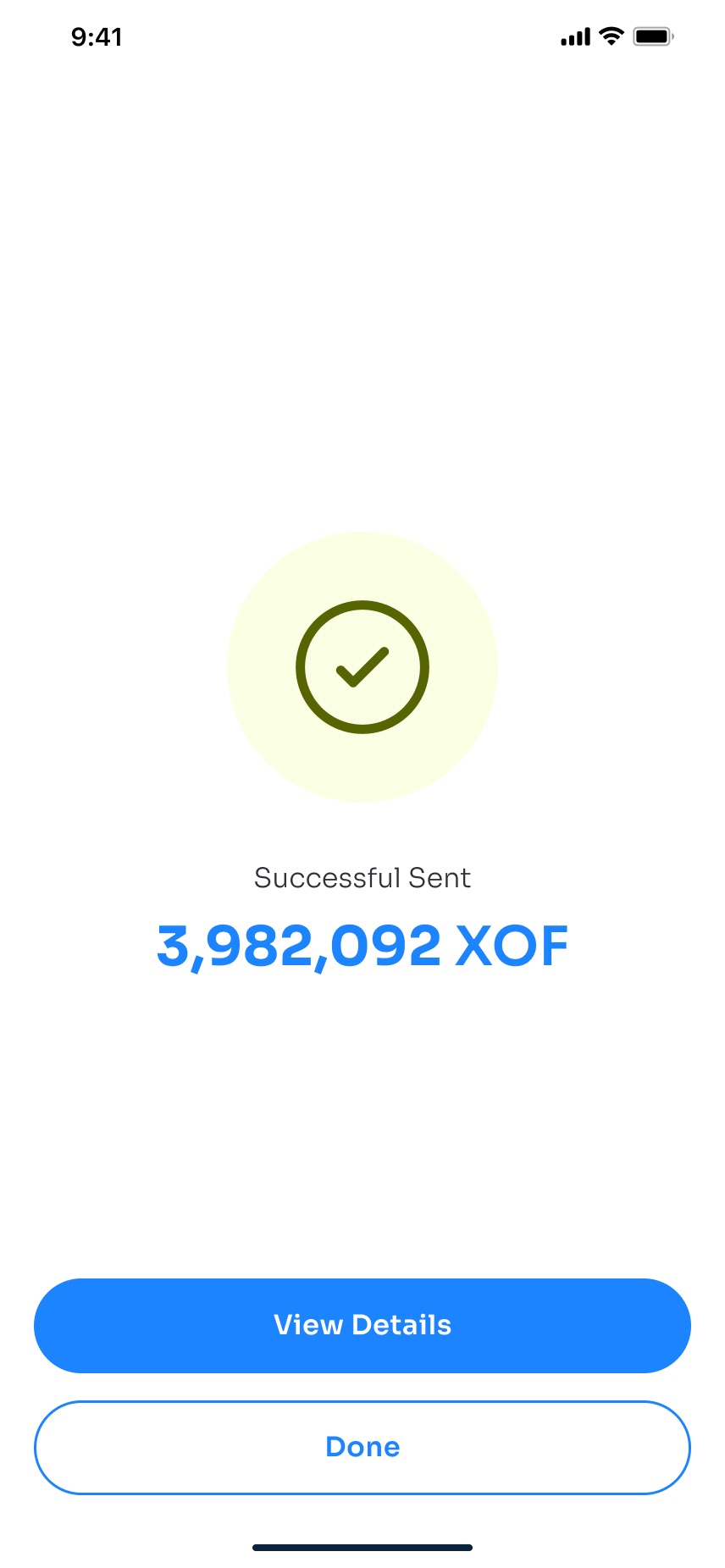
Every transfer follows the same order in every currency: how much, who to, then a review with the account, the fee and the total before the PIN. Sending to another Purse user only needs their Purse tag.
The solution
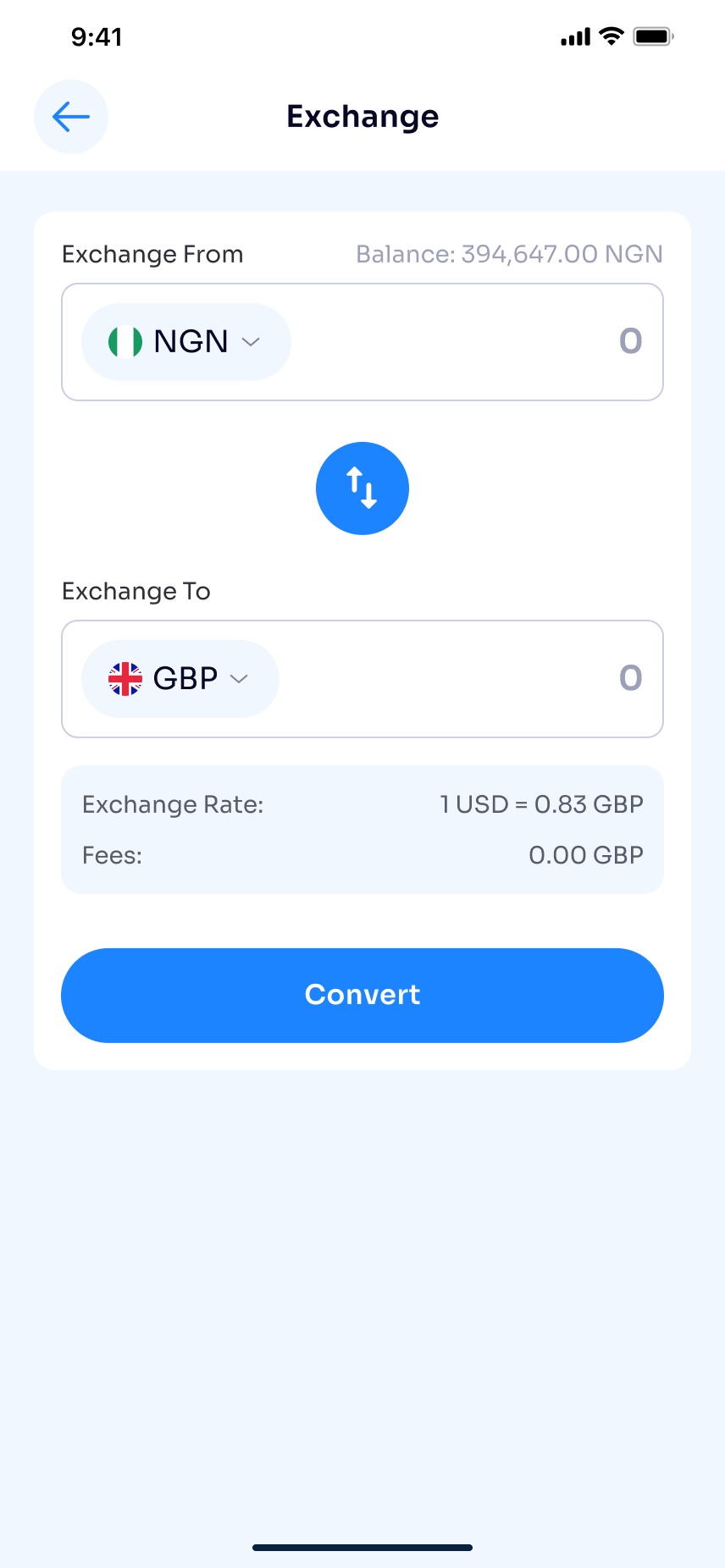
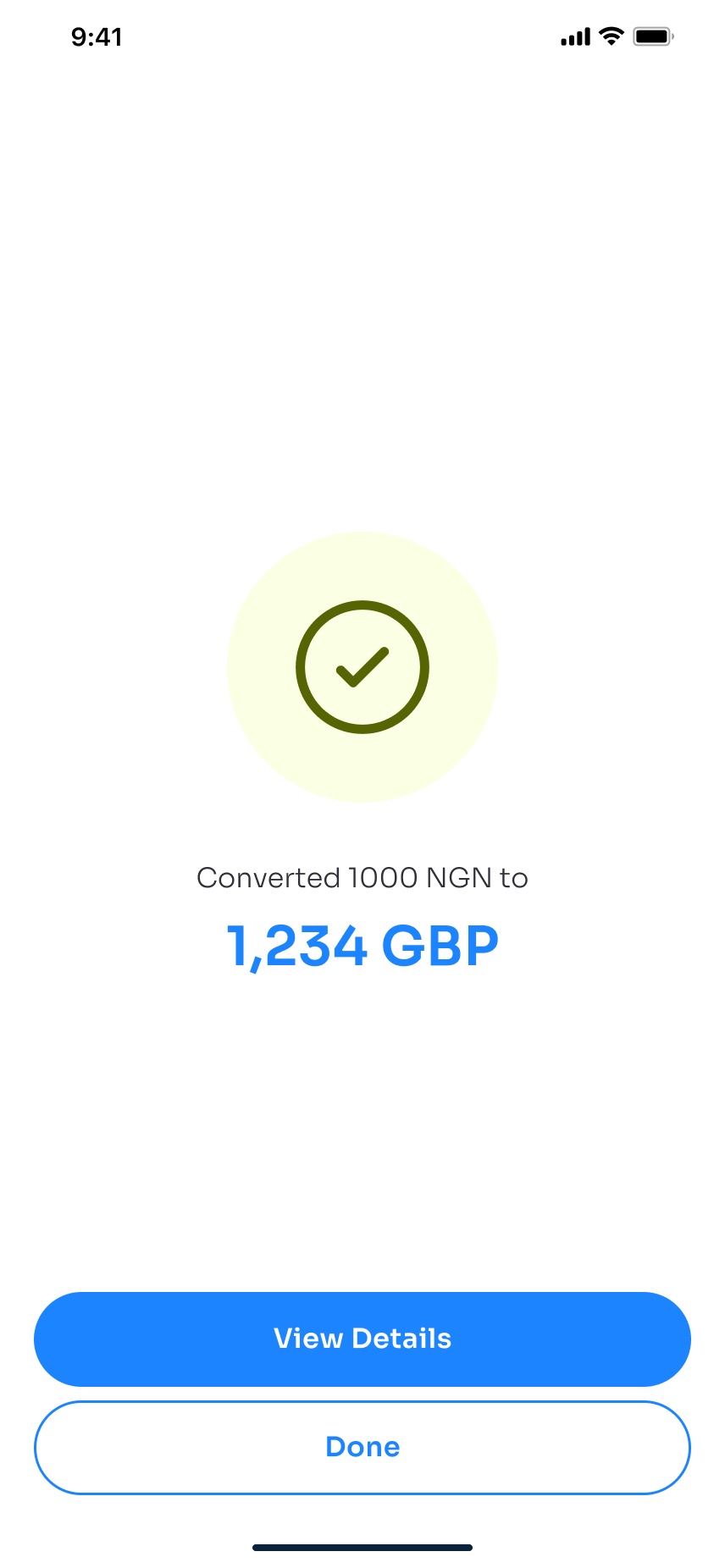
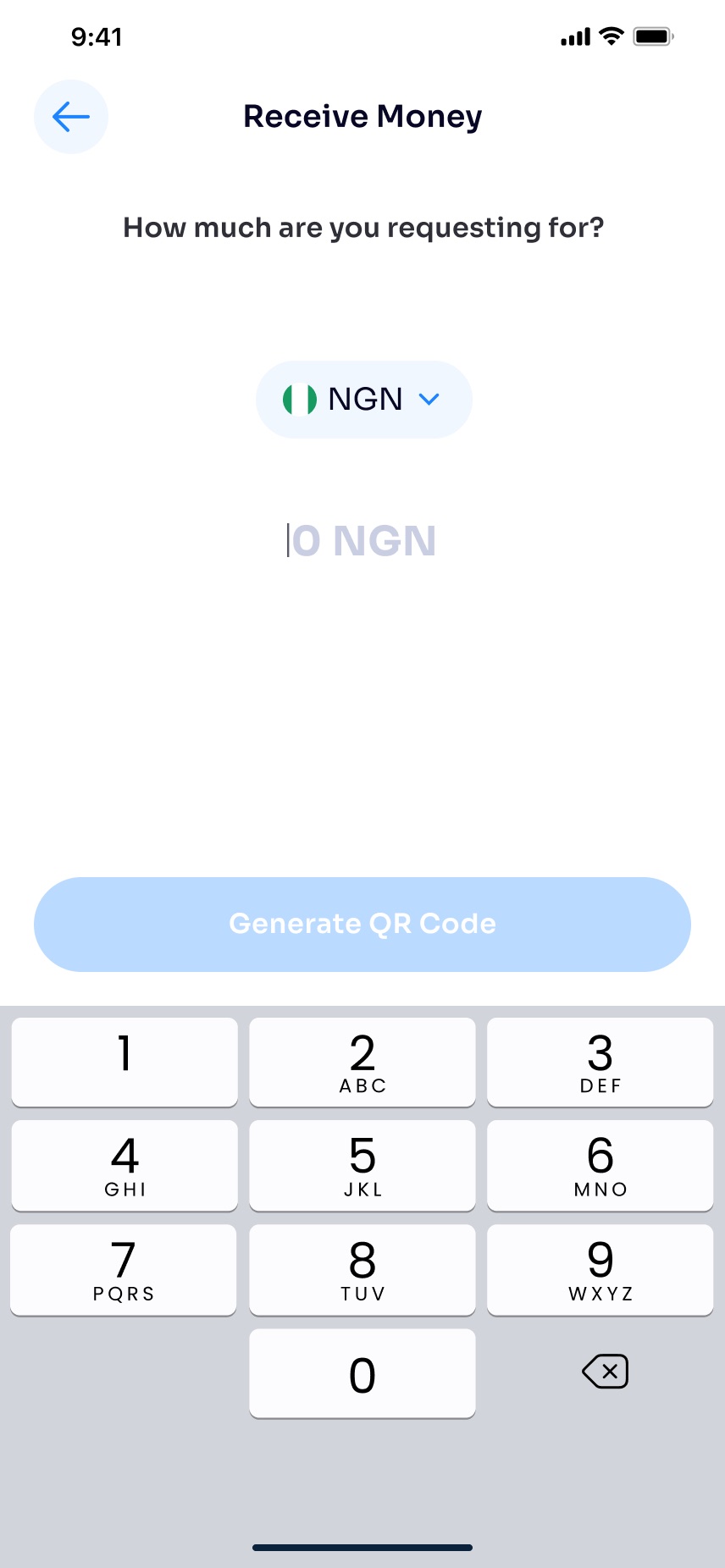
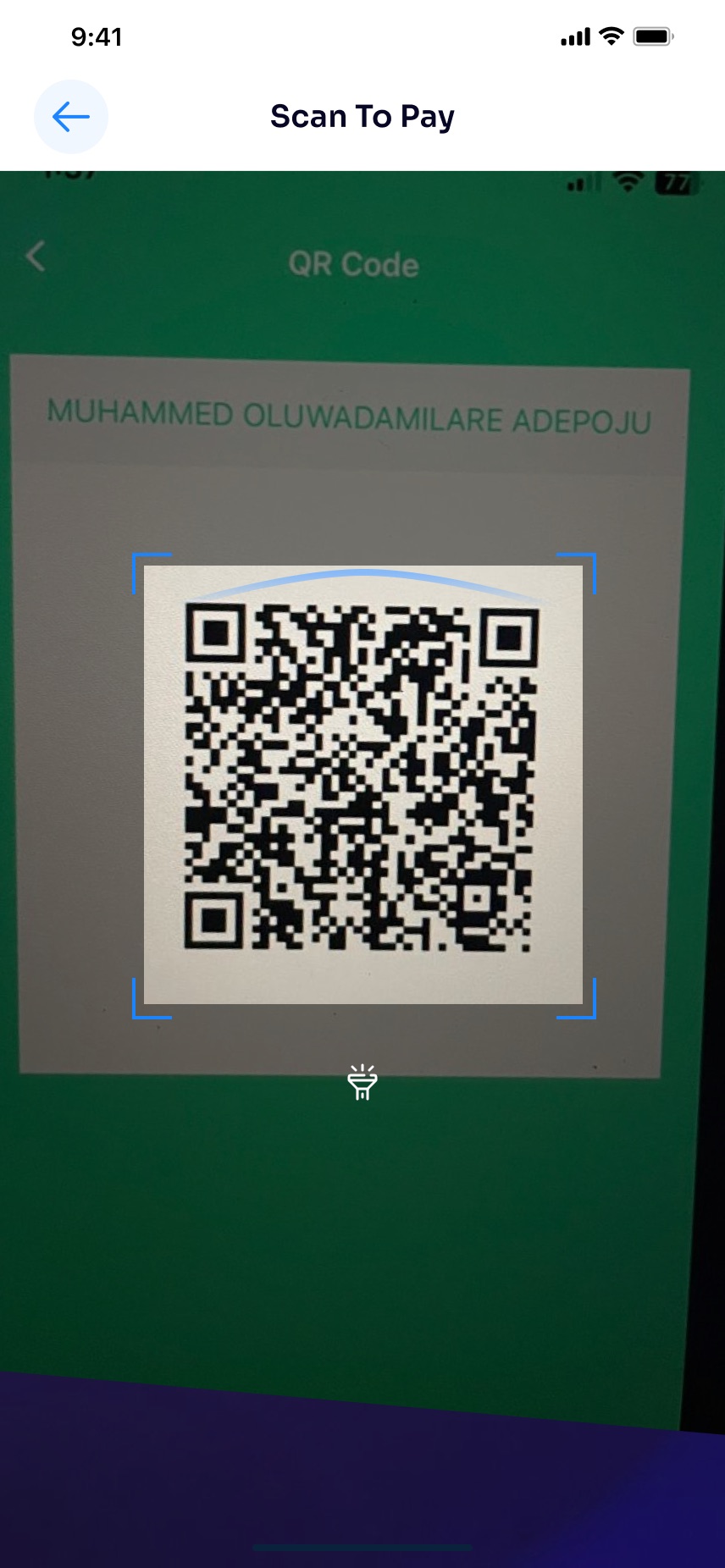
Exchange, receive and scan to pay
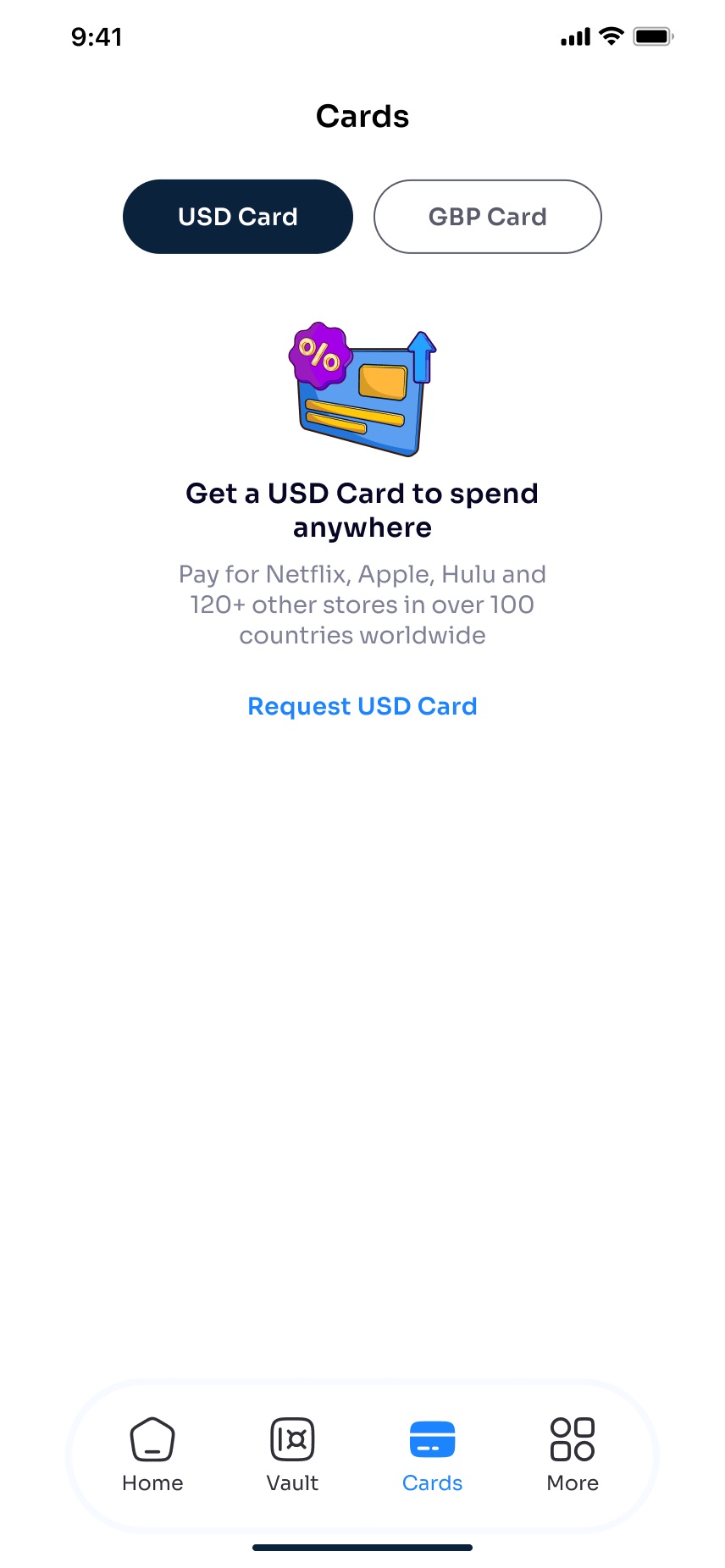
USD cards
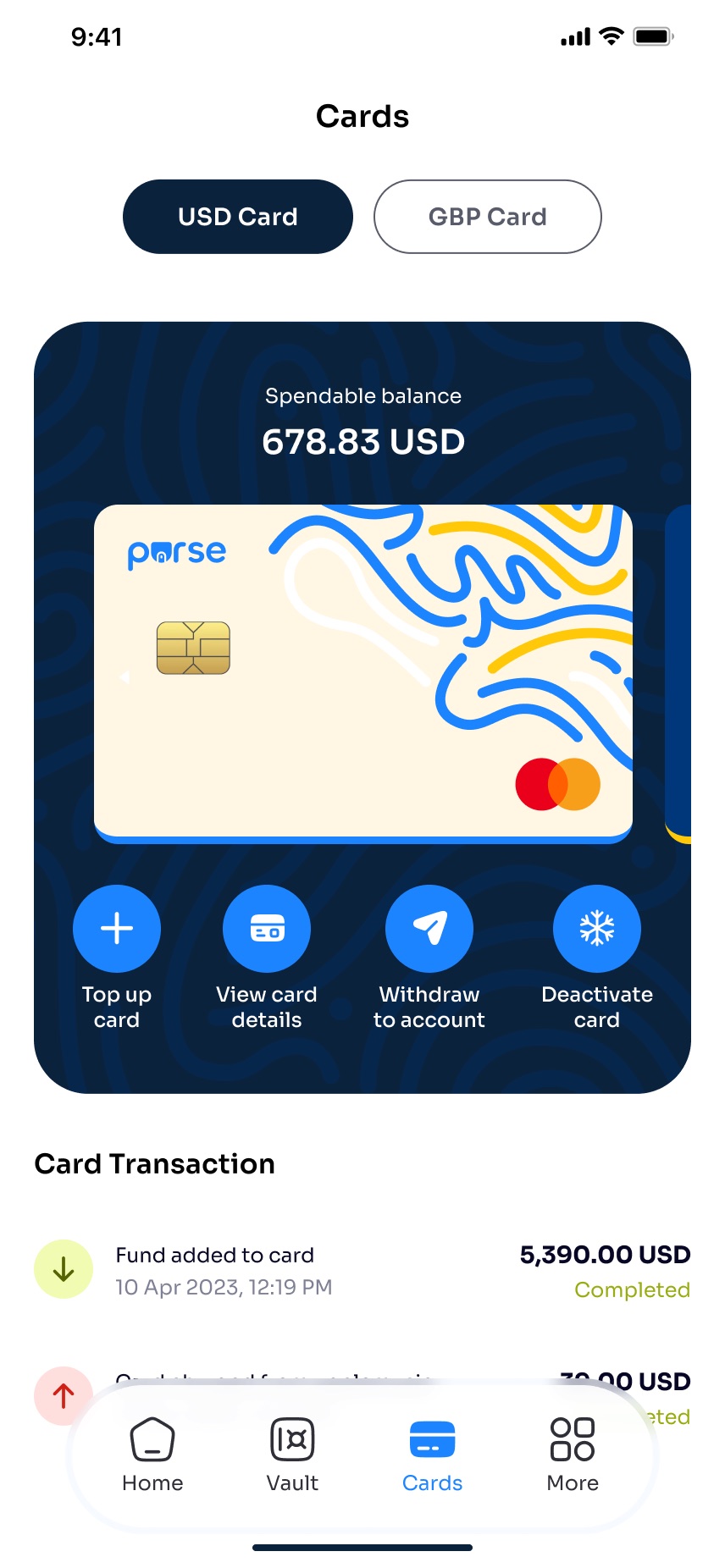
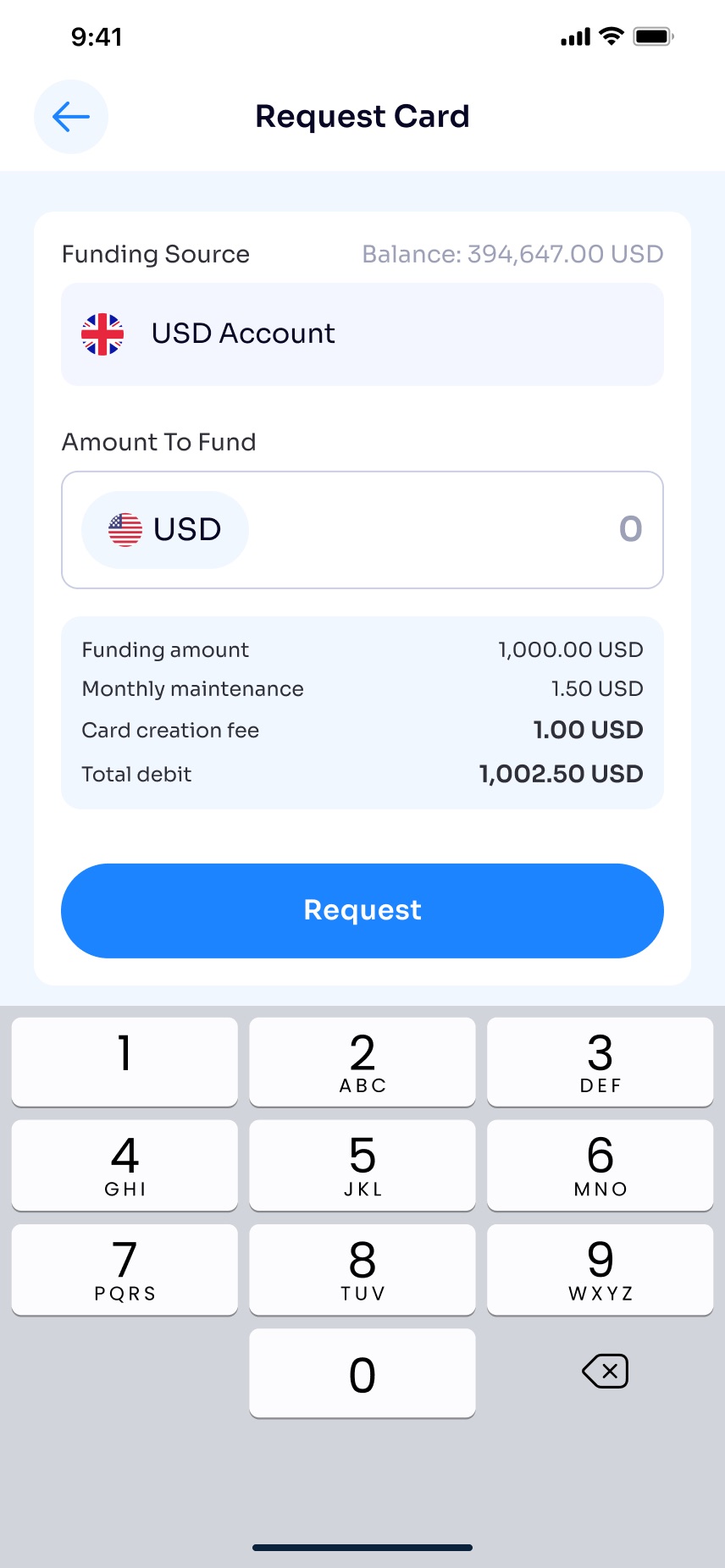
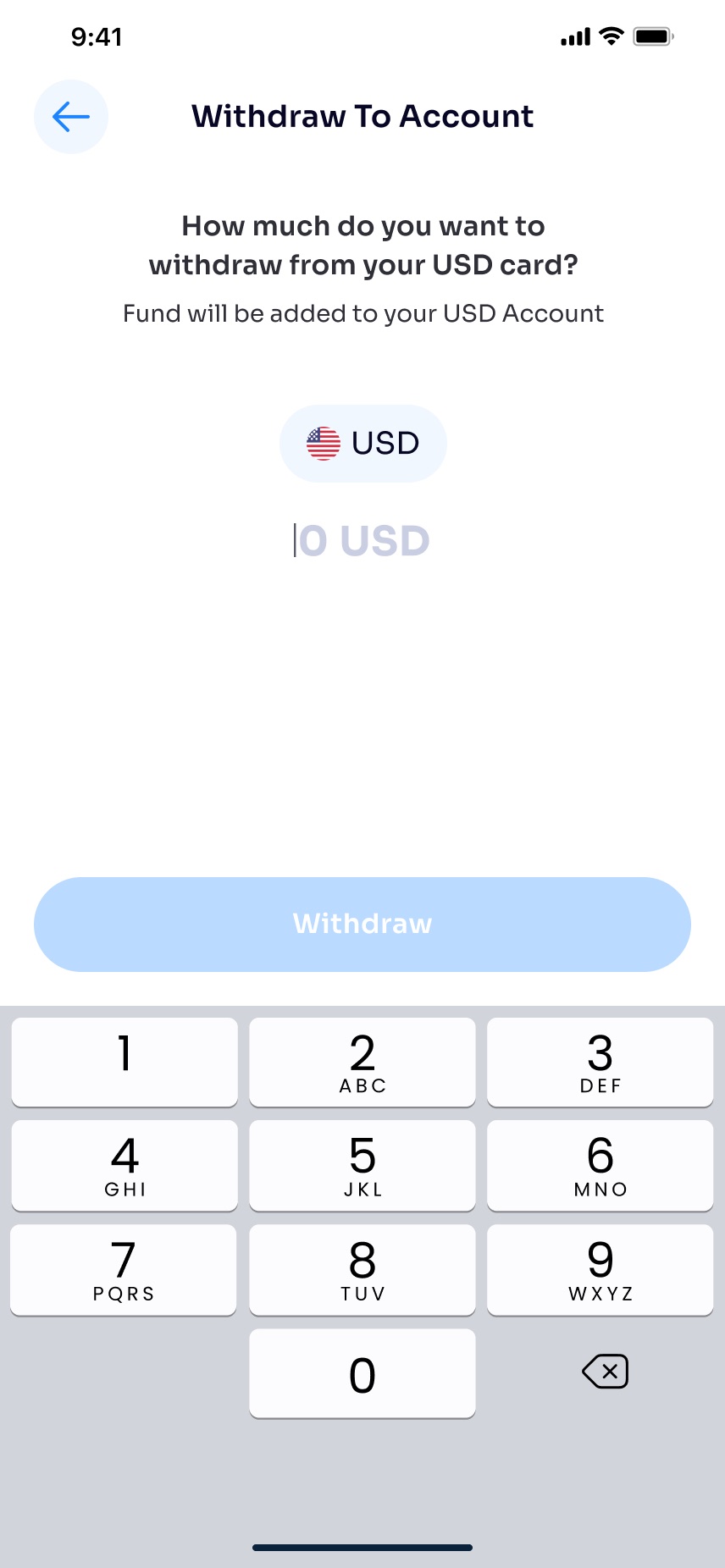
A virtual USD card for subscriptions and online shopping. People fund it from any account, see the card details when they need them, and withdraw back to their balance.
After launch: version 1.5
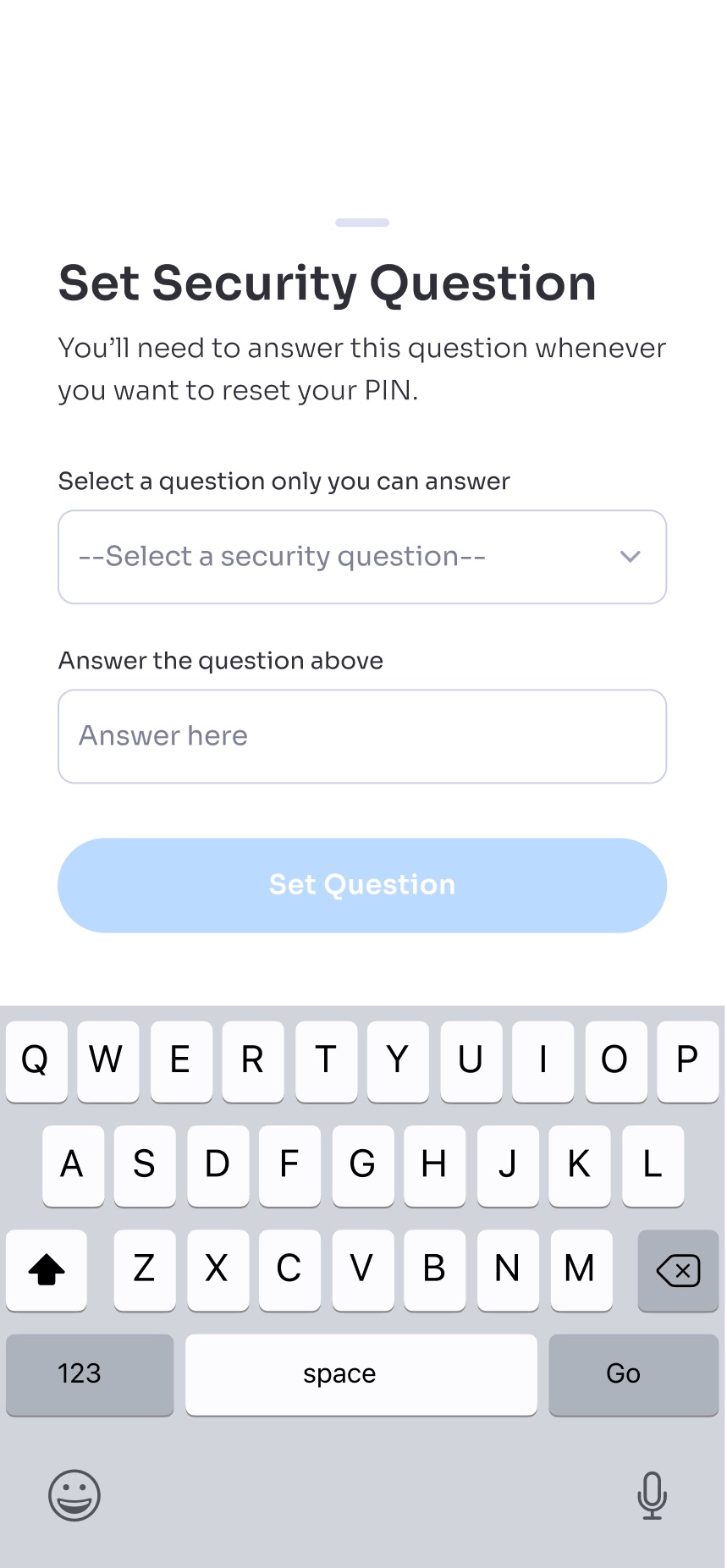
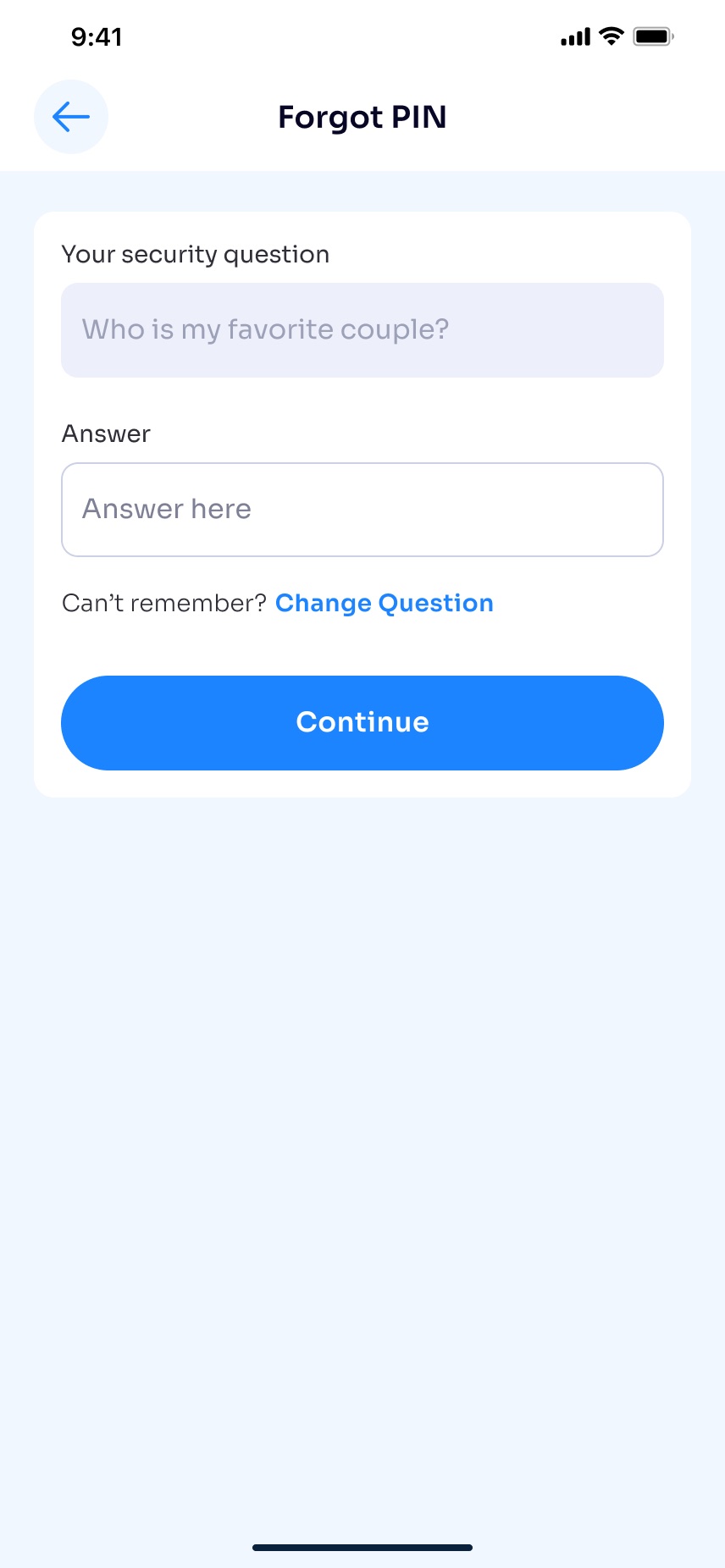
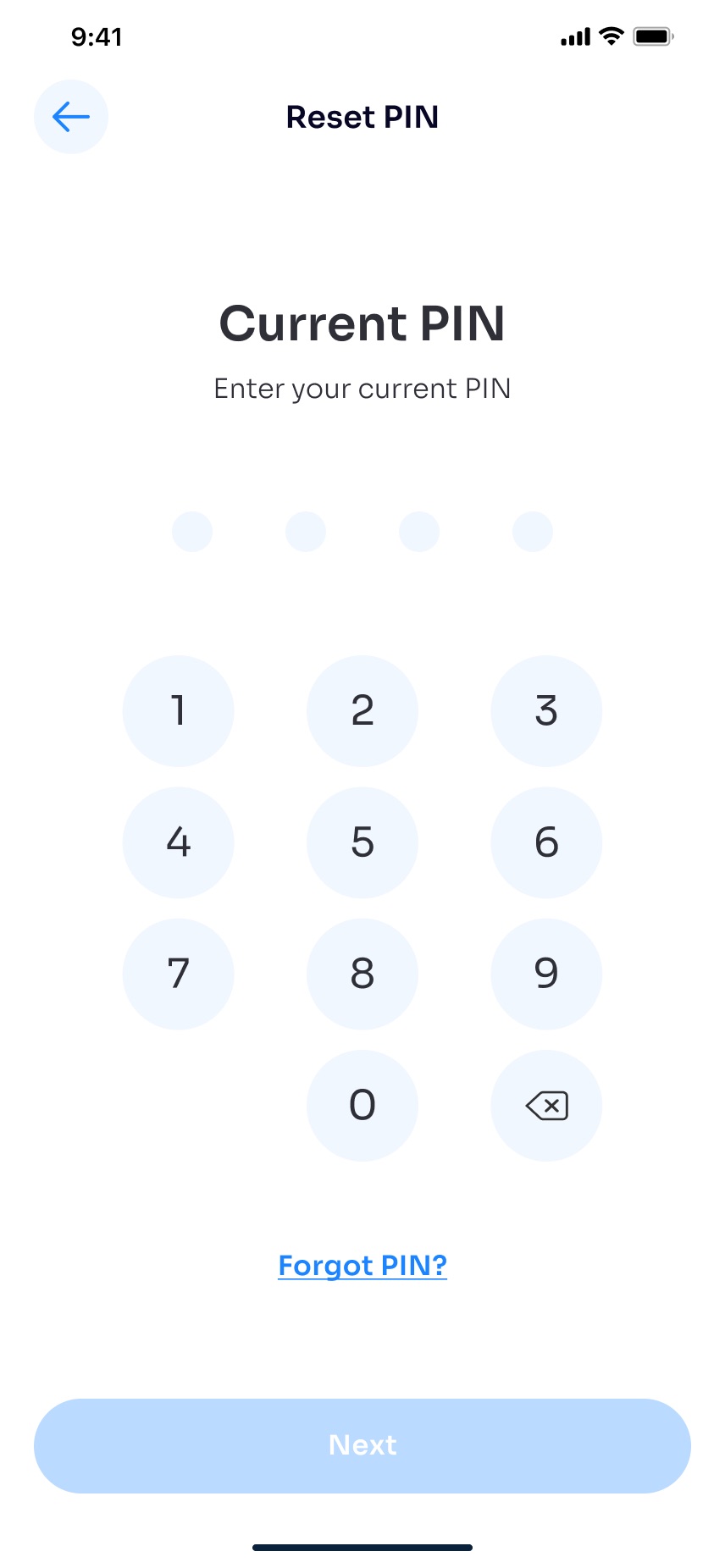
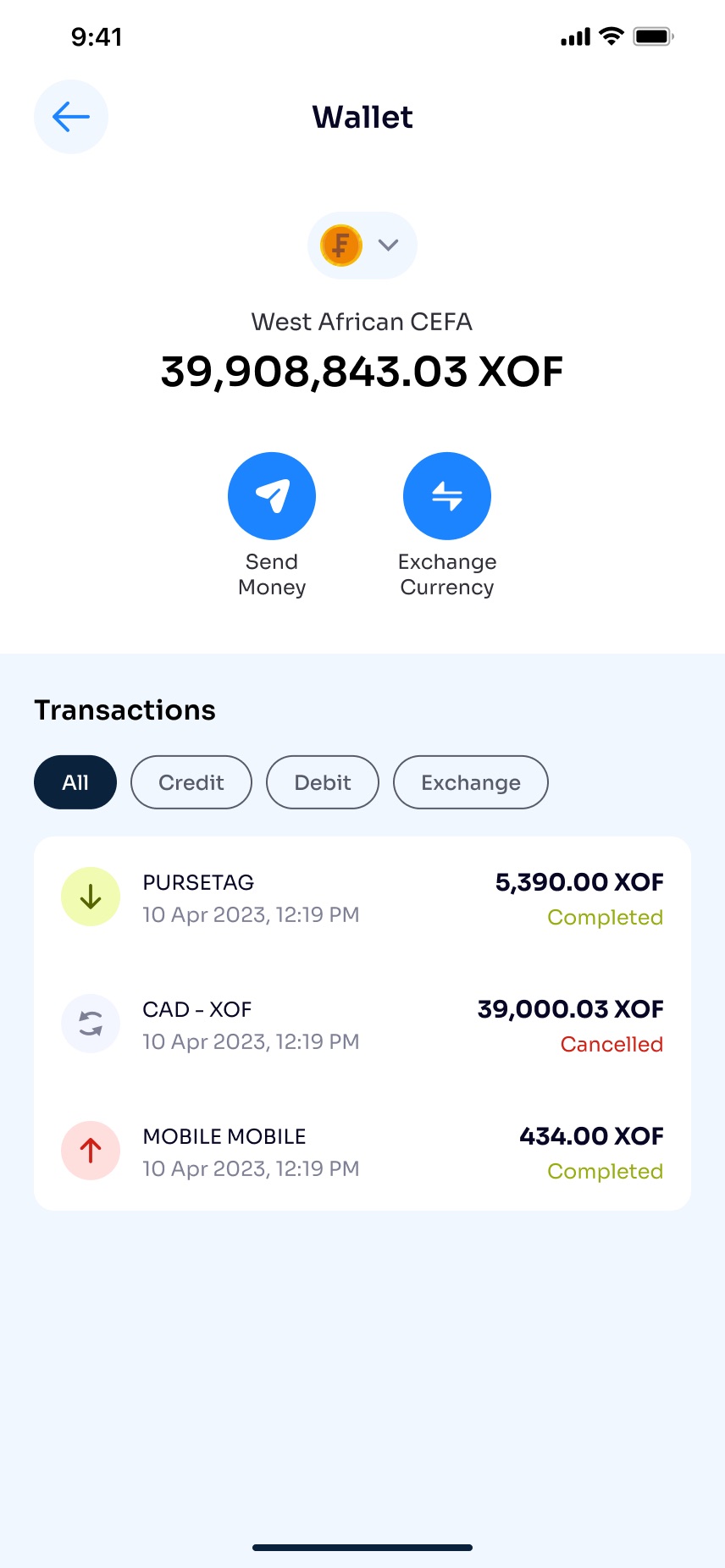
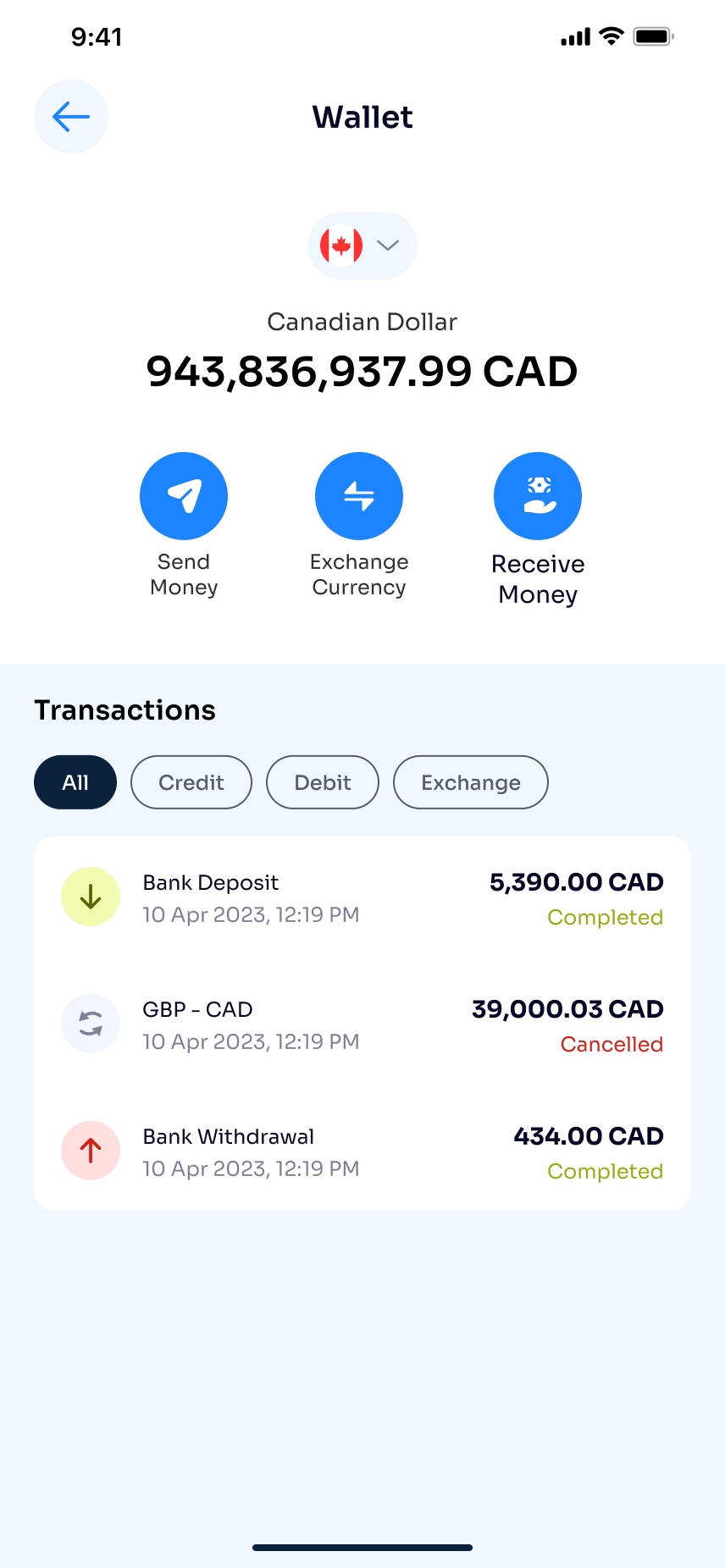
I kept designing after launch. People moving over from the old app needed a safe way to reset their PIN, so we added security questions. We also added West African CFA (XOF) wallets with mobile money, and Canadian dollar wallets, using the same vault and send patterns.
Outcome and learnings
The app launched with a foundation of components and patterns that let the team add new currencies and payment methods without redesigning the core flows, which is exactly what version 1.5 did. The biggest lesson: explain a concept once, in the place where people need it, rather than in a help centre they'll never open.