TordVeed
A free video and motion graphics editor for Mac.
Why I made it
I wanted a free video editor I could point people to without a catch. No watermark, no lower export quality, and no uploading your footage anywhere. TordVeed runs entirely on your Mac.
How it works
- 01
Everything stays on your Mac
Projects, media and the AI tools all stay on your machine. There's no account to create.
- 02
What you see is what you export
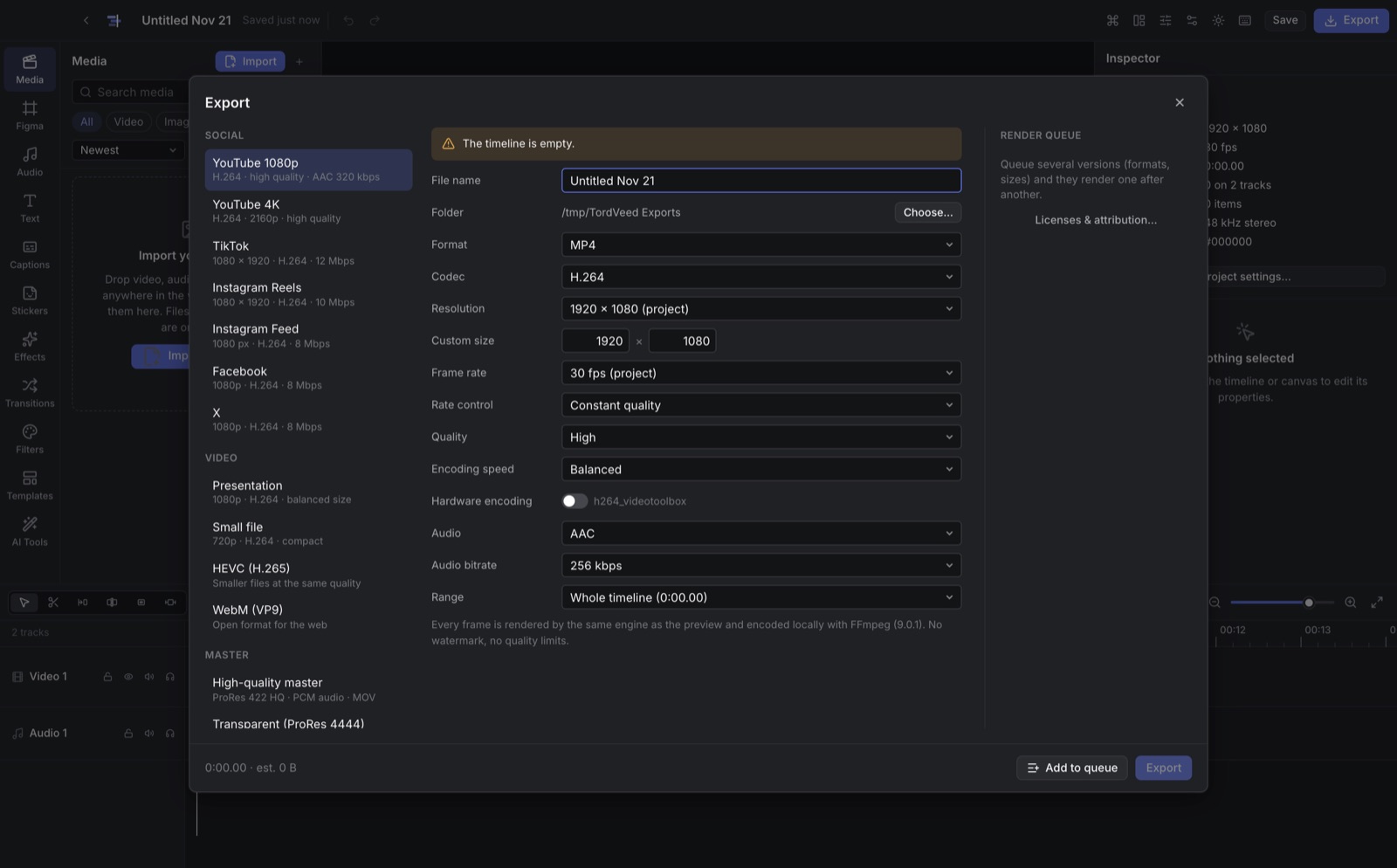
The preview and the export use the same rendering, so the final file matches what you were looking at.
- 03
Tested on real files
I wrote end-to-end tests that edit real video and audio and check the output. They run against the installed app, not just my dev setup.
What's in it
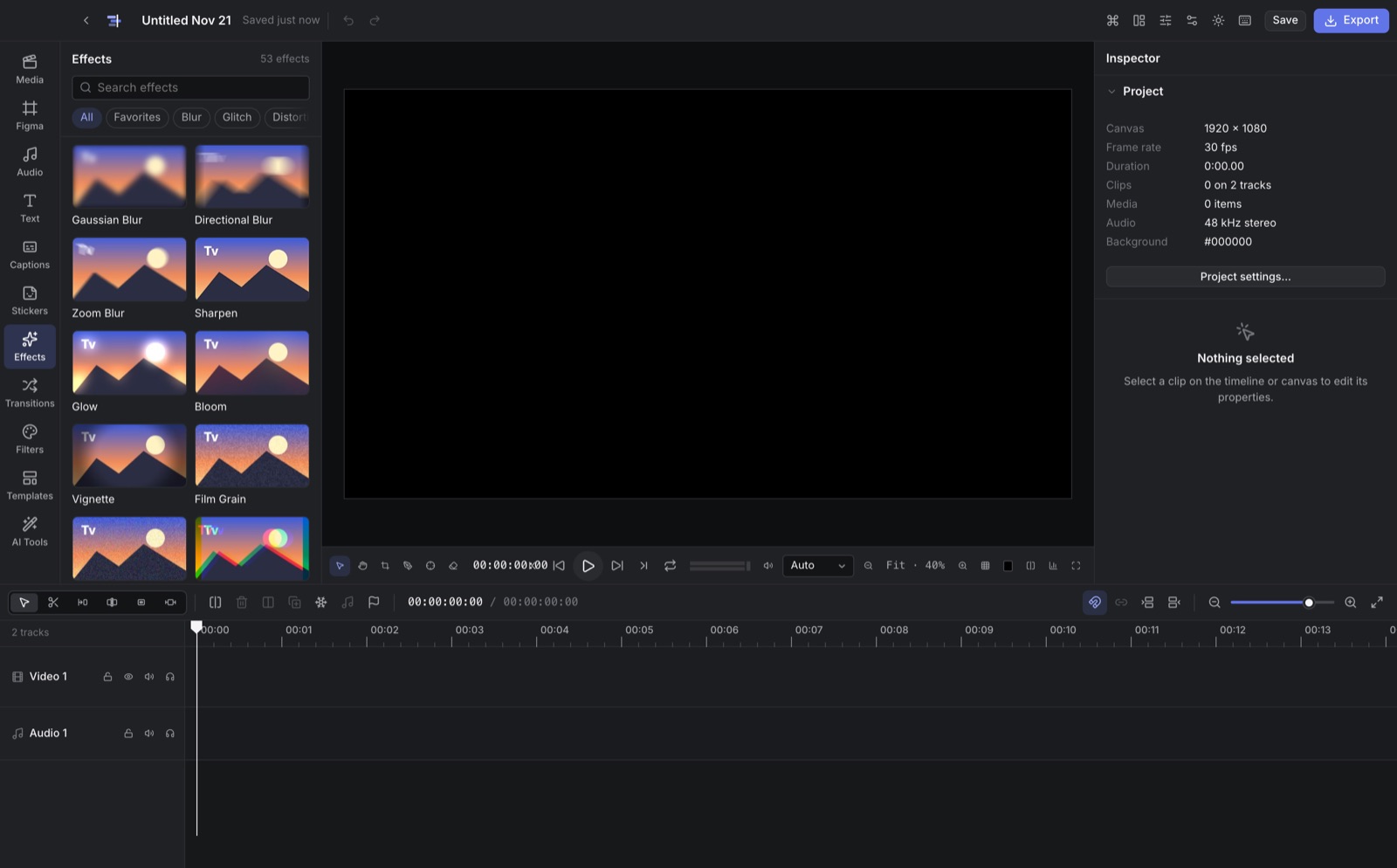
Video, audio, text, caption and adjustment tracks, with trimming, splitting, ripple edits and snapping.
A library of effects and transitions, each of which can change over time with keyframes.
Colour grading, green screen removal, masks and blend modes.
Add captions, mix audio and control the volume of every track.
AI tools such as background removal run on your own machine, so your footage stays private.
Bring frames from Figma straight into a video project.
Ready-made titles in minimal, cinematic, social and lower-third styles.
Autosave, recovery snapshots and crash detection protect every project.
Export in formats such as H.264, ProRes, VP9 and GIF, with no watermark.