
TordSign
Send a document for signature in a few simple steps.
Why I made it
I wanted getting one document signed to take a couple of minutes. You upload a PDF or pick a template, drop in the fields and send a link. The other person signs in their browser, no account needed.
How it works
- 01
No sign-up for signers
Signers open the link from their email and sign on whatever device they have.
- 02
Fields don't move
Field positions are saved relative to the page, so they land in the same spot on a phone, a big screen and in the final PDF.
What's in it
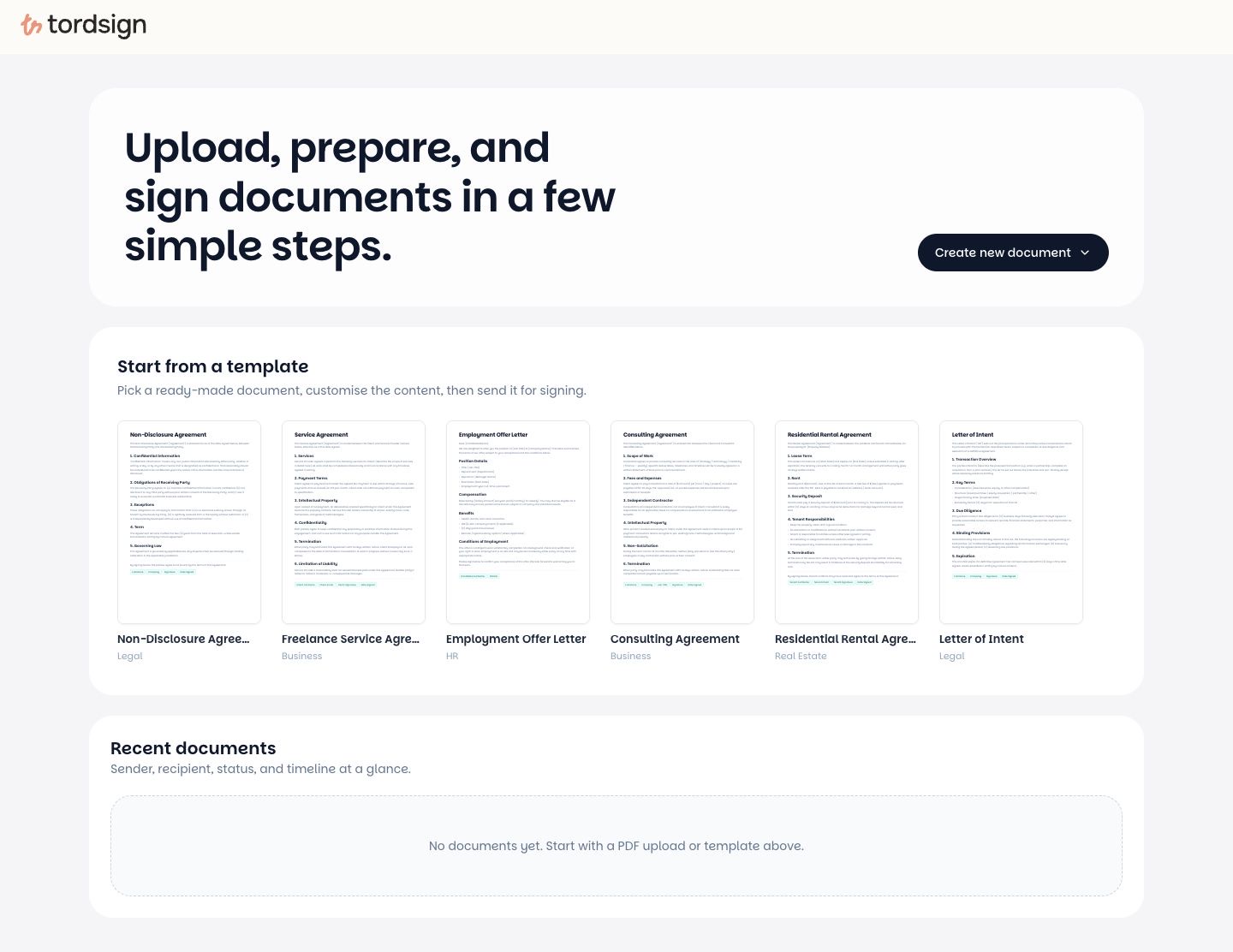
Ready-made NDAs, service agreements, offer letters, consulting agreements, rental agreements and letters of intent.
Customise the wording of any template, or upload your own PDF instead.
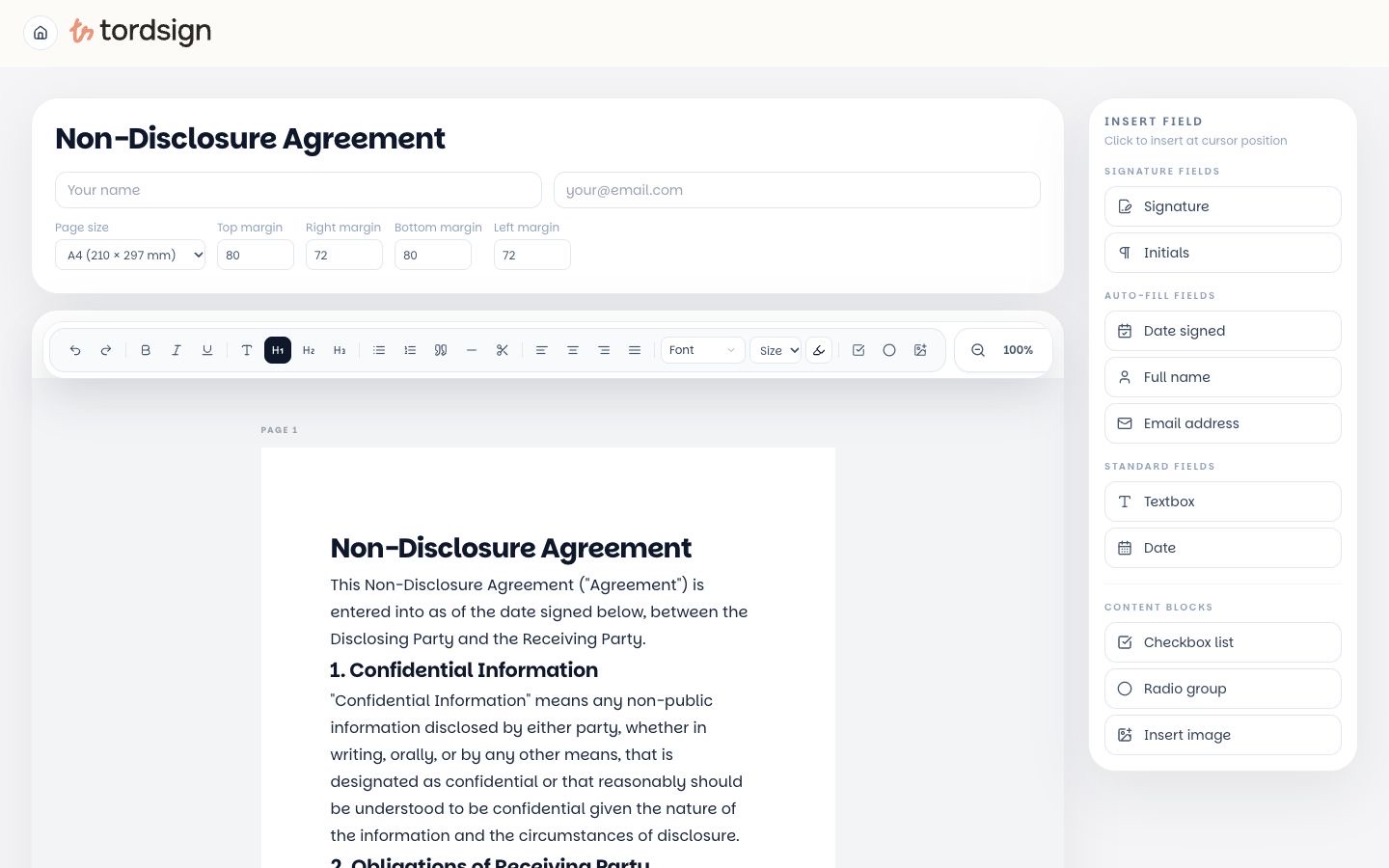
Place signature, name and date fields exactly where they belong on the page.
The other person gets an email with their own link and signs without creating an account.
Signers draw their signature in the browser, on a computer or a phone.
The signatures are written into the PDF, a completed copy is stored, and every step is recorded.
See the sender, recipient, status and timeline of every document at a glance.