TordAxis
Turns a flat SVG into a 3D object you can animate and embed.
Why I made it
I kept hitting the same wall. I'd design a logo or an icon, want to give it some depth or motion, and suddenly I needed a different tool, a different workflow and a lot of setup. TordAxis lets you drop in the SVG you already have and get a 3D object you can style, animate and use.
How it works
- 01
Start with an SVG
Paste or drop an SVG on the canvas and it's turned into 3D right away. You can also start from a basic shape.
- 02
Edit parts separately
If your SVG has several shapes, each one gets its own layer, so you can give each part a different material or move it on its own.
- 03
Use it anywhere
Export an image, a video or a 3D file, or copy an embed code that keeps orbit and zoom. There's also a Framer plugin.
What's in it
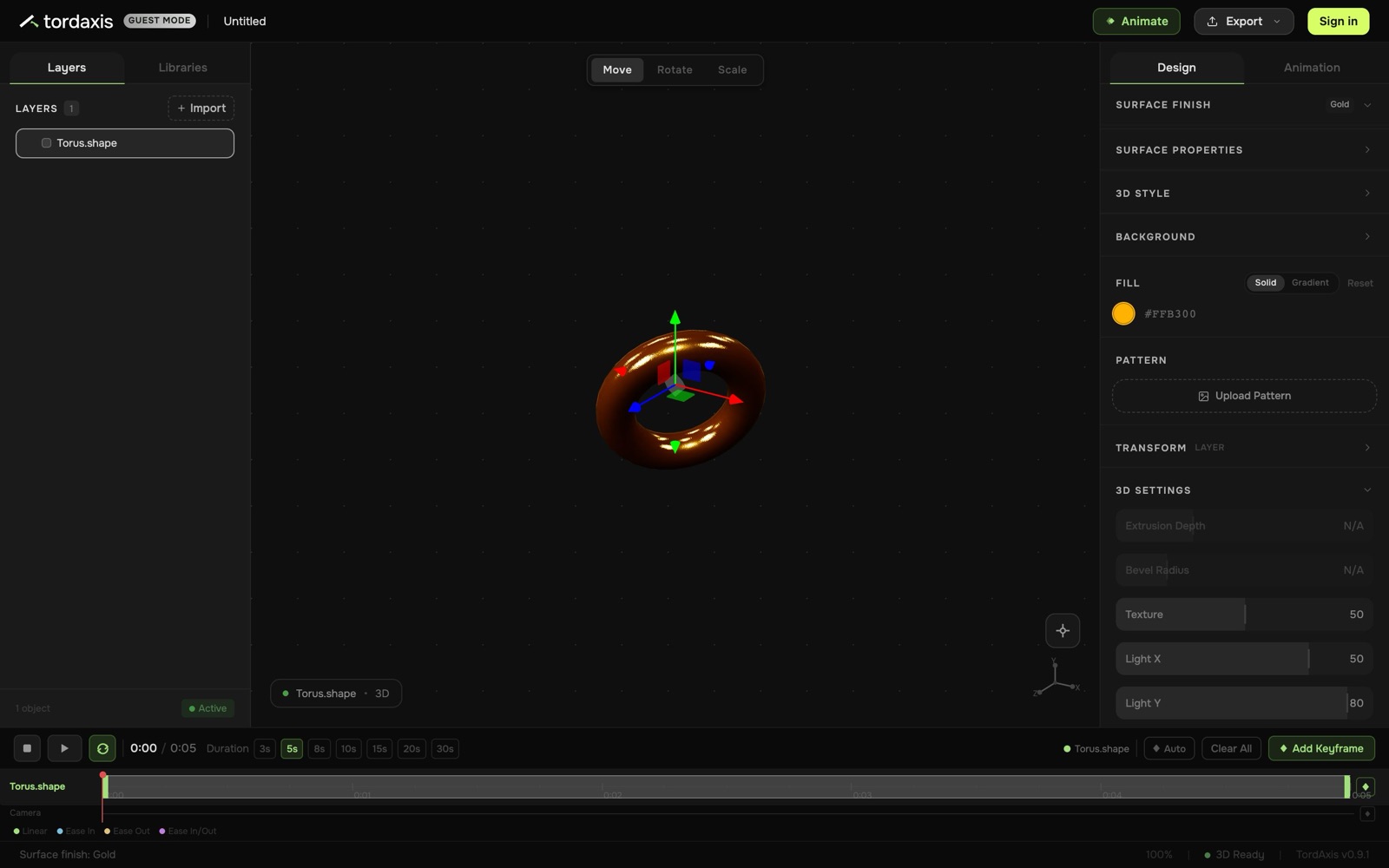
Drop in an SVG and it becomes a 3D object, with depth and bevel you can adjust.
Select any part of the shape and change its material, colour or position on its own.
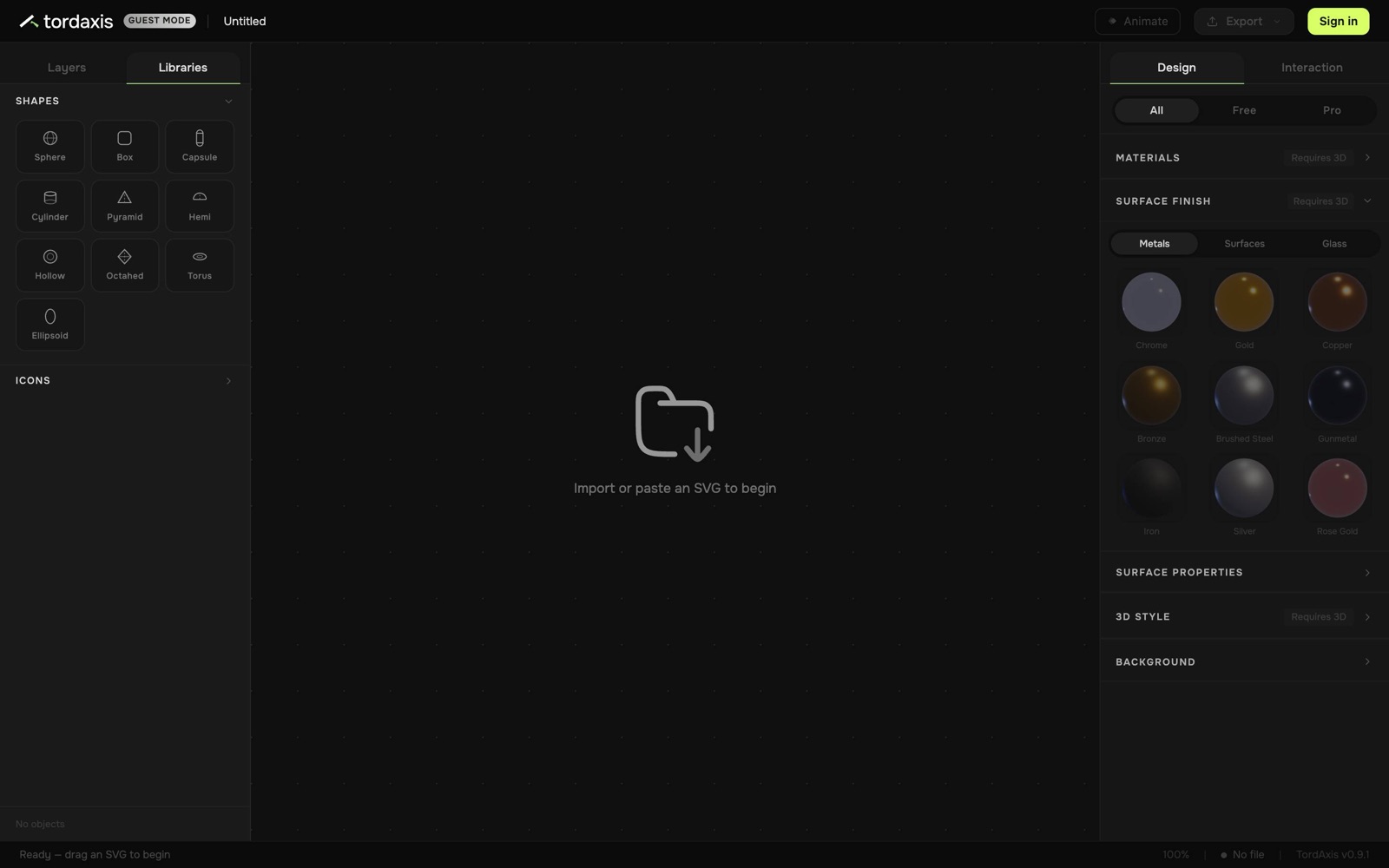
Plastic, glass, metal and wood, plus twelve styles such as wireframe, sketch and low poly.
Move the light and adjust its intensity and shadows to set the mood of a scene.
Add keyframes on a multi-track timeline, then scrub and preview the motion.
Save an image, record a video, or copy an embed code that keeps orbit and zoom on any website.
Designers can use TordAxis directly inside Framer.
Start from built-in shapes when you do not have an SVG ready.